1
Prepare Your Network
Configure Network Scanning for Macintosh
4
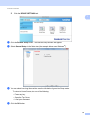
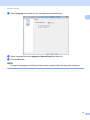
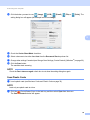
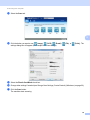
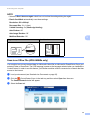
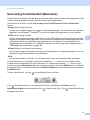
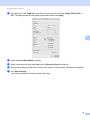
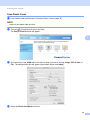
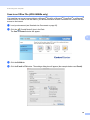
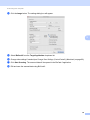
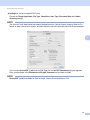
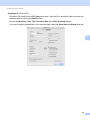
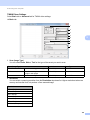
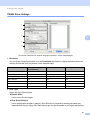
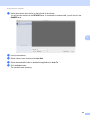
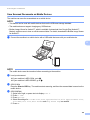
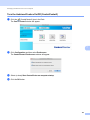
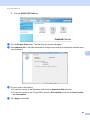
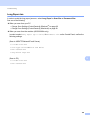
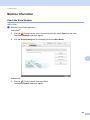
If you want to scan from the machine on a network, you must choose the networked machine in the
Device Selector application from the Model drop-down list in the main screen of ControlCenter2. If you have
already installed the Brother software following the network installation steps in the Quick Setup Guide, this
selection should already be made.
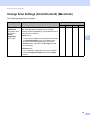
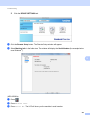
To use the machine as a network scanner, the machine must be configured with a TCP/IP address. You can
set or change the address settings from the Control Panel.
1
4
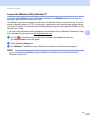
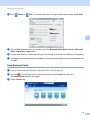
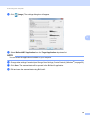
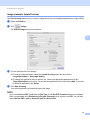
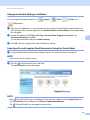
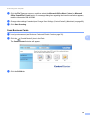
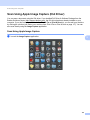
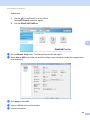
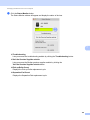
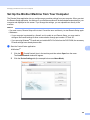
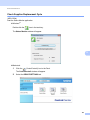
Click the
(ControlCenter2) icon in the Dock.
The ControlCenter2 window will appear.
42