1
Basics
10
Basics
Using the Settings Utility
Copying
Printing
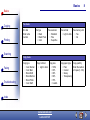
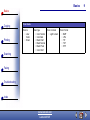
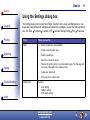
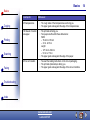
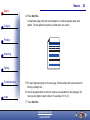
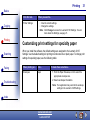
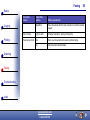
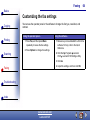
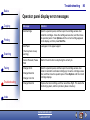
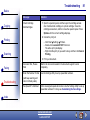
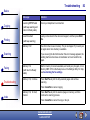
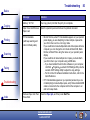
When the All-In-One software is installed on your computer, you can open the Settings Utility
to customize your jobs. Click Start Programs Lexmark X125 Lexmark X125 Settings
Utility.
Click...
Print
Scanning
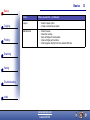
When you want to...
Properties
Access the Settings dialog box to change the print settings and
maintain the cartridges.
fax
Change the fax settings or set up your speed-dial list with your
frequently dialed numbers.
copy
Change the default copy settings, including copy type, contrast,
and size.
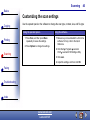
scan
Change the default scan settings, or set up your Scan-to
destinations.
Faxing
Troubleshooting
Index
www.lexmark.com
Lexmark X125