1
Protective Trip and Warning Functions
Chapter 6
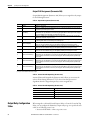
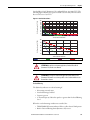
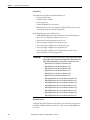
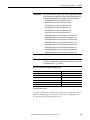
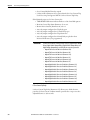
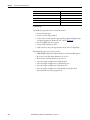
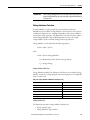
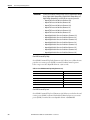
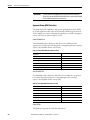
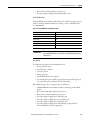
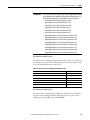
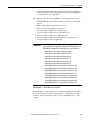
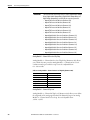
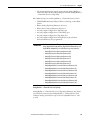
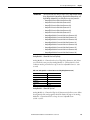
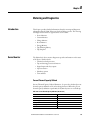
• The value in Operating Time (Parameter 28) is greater than the value set
in Total Operating Hours (Parameter 208)
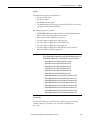
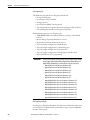
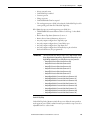
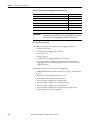
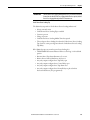
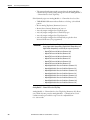
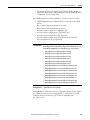
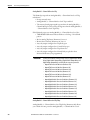
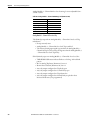
If the E300 relay warns on an operating hours warning, the following occurs:
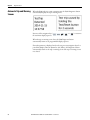
• The TRIP/WARN LED flashes a yellow 3-long / 13-short blink pattern
• Bit 12 in Control Warning Status (Parameter 13) sets to 1
• Bit 1 in Device Status 0 (Parameter 20) sets to 1
• Any relay outputs configured as a Warning Alarm close
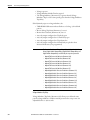
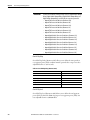
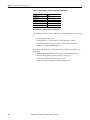
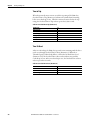
Total Operating Hours
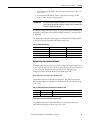
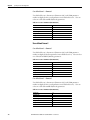
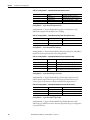
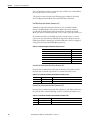
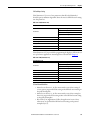
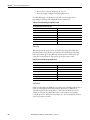
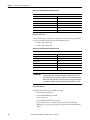
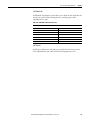
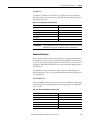
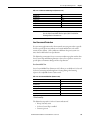
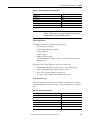
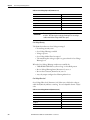
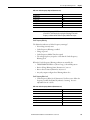
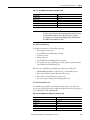
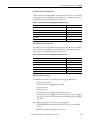
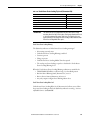
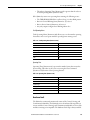
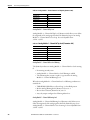
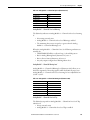
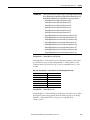
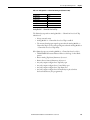
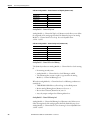
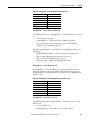
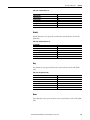
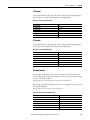
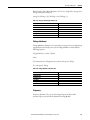
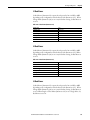
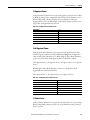
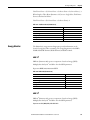
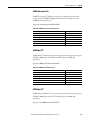
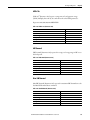
Total Operating Hours (Parameter 208) allows you to set the number operating
hours that a motor can operate until the operating hours warning occurs.
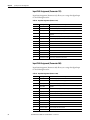
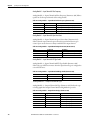
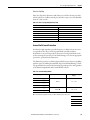
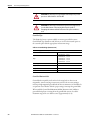
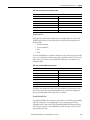
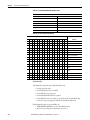
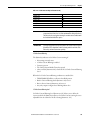
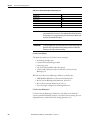
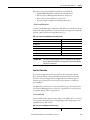
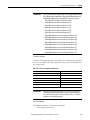
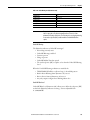
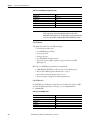
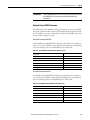
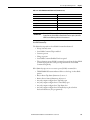
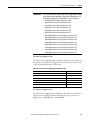
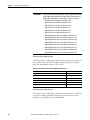
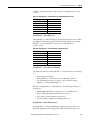
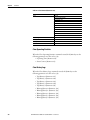
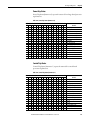
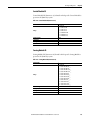
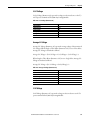
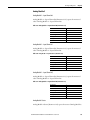
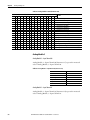
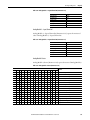
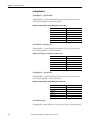
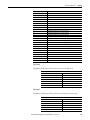
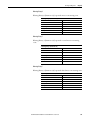
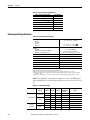
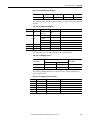
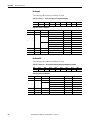
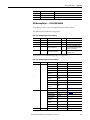
Table 375 - Total Operating Hours (Parameter 208)
Default Value
0
Minimum Value
0
Maximum Value
65535
Parameter Type
UINT
Size (Bytes)
2
Scaling Factor
1
Units
Hours
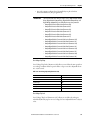
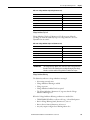
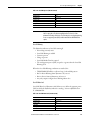
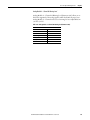
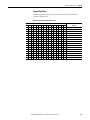
Operating Time
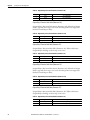
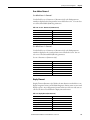
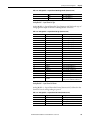
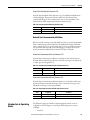
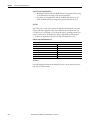
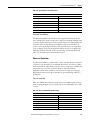
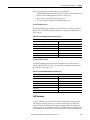
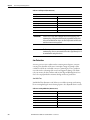
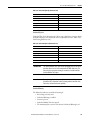
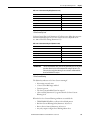
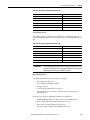
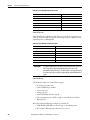
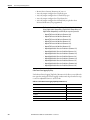
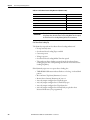
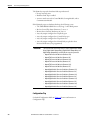
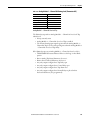
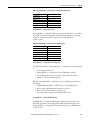
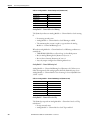
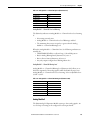
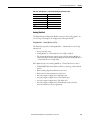
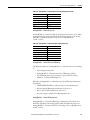
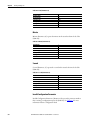
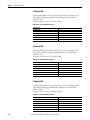
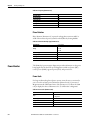
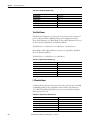
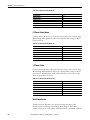
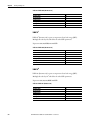
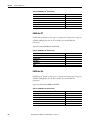
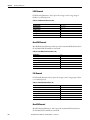
Operating Time (Parameter 28) represents the number hours that a motor has
been running. This value can be reset to zero using the Clear Command
(Parameter 165) function Clear Operating Statistics.
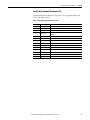
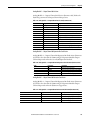
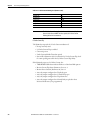
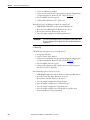
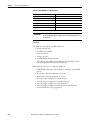
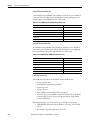
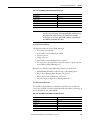
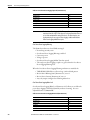
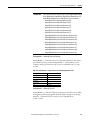
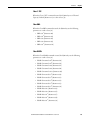
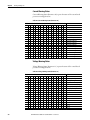
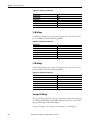
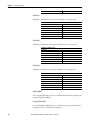
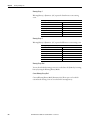
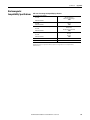
Table 376 - Operating Time (Parameter 28)
Default Value
0
Minimum Value
0
Maximum Value
65535
Parameter Type
UINT
Size (Bytes)
2
Scaling Factor
1
Units
Hours
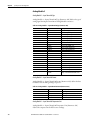
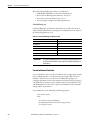
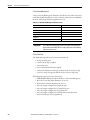
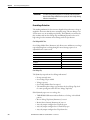
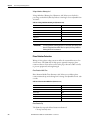
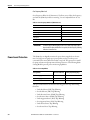
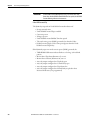
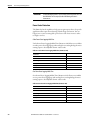
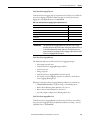
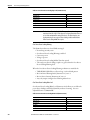
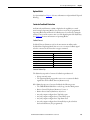
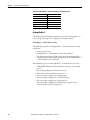
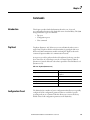
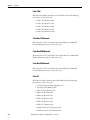
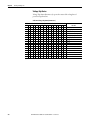
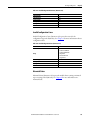
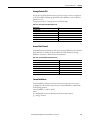
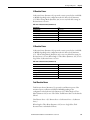
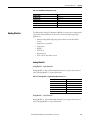
Hardware Fault
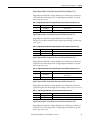
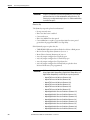
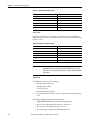
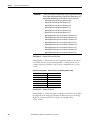
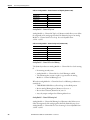
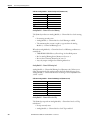
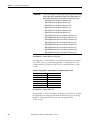
The E300 relay continuously monitors the status of the Control, Sensing, and
Communication Modules. The E300 relay issues a hardware fault trip if there is
an issue with the Control, Sensing, and Communication Modules or if one of the
modules is missing or incompatible. The Hardware Fault Trip is always enabled.
Rockwell Automation Publication 193-UM015E-EN-P - October 2015
437