1
2 Installation
2.1 Device Installation
Important
Please make sure the installation surface can min support the 3X weight of the camera
and the bracket.
Please refer to the steps listed below.
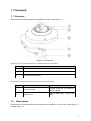
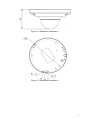
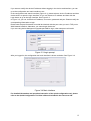
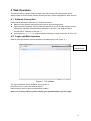
Figure 2-1 Device installation illustration 1
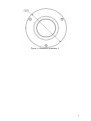
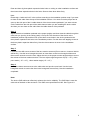
Figure 2-2 Device installation illustration 2
Step1
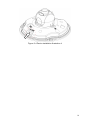
Use the inner hexagonal wrench (provided) to loose the three inner hexagon screws in the dome
cover and then open the cover.
Step 2
Please take the installation position map in the accessories bag, and then paste it on the ceiling
or the wall according to your monitor area requirements.
Step 3
7