1
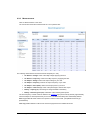
Modules if they are in central-configuration mode or if their configuration is not valid.
•
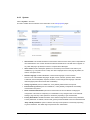
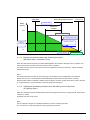
Shutdown duration: the shutdown duration necessary to properly shutdown the computer.
•
Shutdown after: the time available to the user from the power failure until the launch of the shutoff sequence
of the UPS and equipment. This parameter is optional. Uncheck the box if you wish not to use this parameter.
•
Broadcast : Sends network notifications to the Administrators and Users groups on events declared in the
server hosting the NSM
If you wish to set up a new configuration for the Network Shutdown Modules already set to "central-configuration
mode", proceed as follows:
•
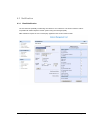
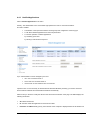
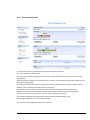
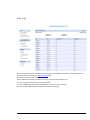
Change the Network Shutdown Module parameters in the "Notified Applications" page.
•
Click the "Save" button.
•
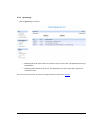
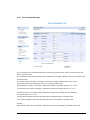
In this page, select the NSMs for which you want to apply the new configuration.
•
Press the "Remove" button.
•
The NSMs selected will disconnect then reconnect and use the new configuration.
Network Management Card – User Manual
34003991EN/ED
Page 54/93