1
4.1.2
Manage messages
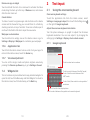
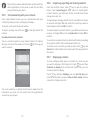
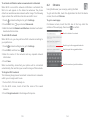
When a new message comes, an icon
will appear on the
status bar as a notification. Drag down the status bar to open the
Notification panel, touch the new message to open it. You can
also access Messaging and touch the new message to open it.
Messages are displayed in conversational order.
4.1.3
Adjust message settings
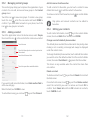
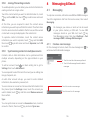
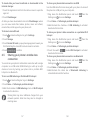
In message list screen, touch
key and select Settings.
SMS Enabled
Touch to change your default SMS app.
Text messages (SMS)
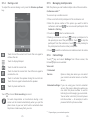
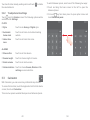
To reply to a message, touch the current message to enter
message-composing screen, enter the text, then touch .
• Delivery
reports
Mark to request a delivery report for each
text message you send.
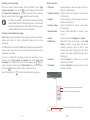
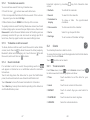
Touch and hold a message in message details screen, the
following options will be available:
• Manage SIM
messages
Touch to view or manage messages on
your SIM card.
• Edit quick text
Touch to add or edit message templates.
• SMS service
centre
Touch to view or edit your SMS service
centre.
• Validity period
Touch to select SMS validity period.
• SMS storage
location
Touch to select phone or SIM card to store
messages.
• Alphabet
management
Touch to manage alphabet.
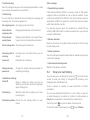
• Copy
• Forward
This option is only available for SMS. Touch to
copy current message content and past it to
Type text message bar of the new message
you are going to compose.
Touch to forward the message to another
recipient.
• Delete message Delete the current message.
• Lock/Unlock
message
Touch to lock/unlock message.
• View message Touch to view details of the message.
details
• Select text
Touch to select text to Type text message
bar as new message.
• Save message
to SIM card
This option displays when the message is
an SMS. Touch to save the message to SIM
card.
39
40