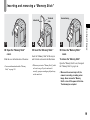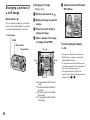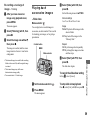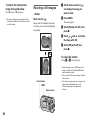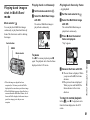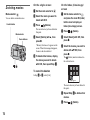
1
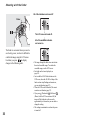
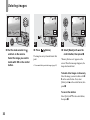
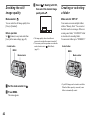
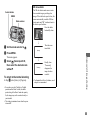
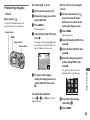
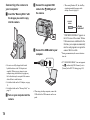
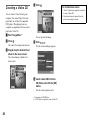
b Select the desired movie with
b/B.
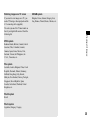
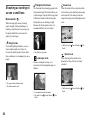
Viewing movies on
the LCD screen
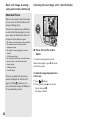
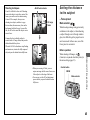
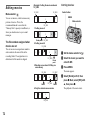
Movies with the image size [160
(Mail)] are displayed a size smaller
than still images.
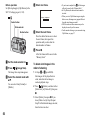
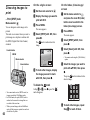
Mode selector:
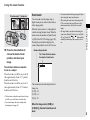
You can view movies on the LCD screen of
the camera and hear sounds from the
speaker of the camera.
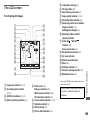
160
101
101_0010
PLAY
Mode selector
Control button
10/10
00:00:00
2003 7 4 10:30PM
BACK/NEXT
VOLUME
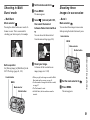
Movies with the image size [640
(VGA)] are displayed on the full
screen.
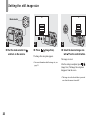
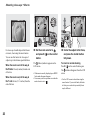
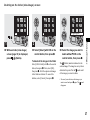
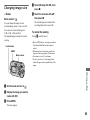
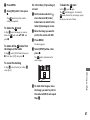
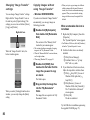
c Press z.
The movie images and sound are
played back.
B (playback) appears on the LCD
screen while a movie is playing back.
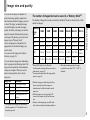
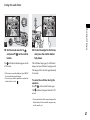
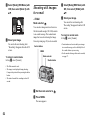
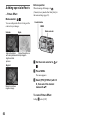
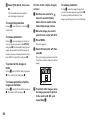
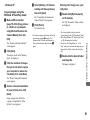
To fast-forward / rewind
Press B (next) or b (previous) while
playing back a movie.
To return to normal playback, press z.
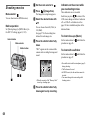
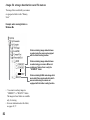
Indicators on the screen while
you are viewing movies
Each time you press
, the status of the
LCD screen changes as follows: Indicators
off t LCD off t Indicators on. See
page 111 for a detailed description of the
indicated items.
• The procedure for viewing movies on a TV is
the same as that for viewing still images
(page 34).
• A movie recorded using other Sony devices is
displayed a size smaller than still images.
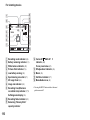
160
Speaker
10/10
00:00:03
.
Playback bar
101_0010
STOP
2003 7 4 10:30PM
REV/CUE
VOLUME
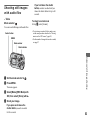
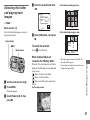
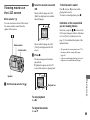
To stop playback
Enjoying movies
a Set the mode selector to
101
Press z.
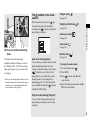
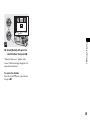
To adjust the volume
Press v/V.
69