1
 Teledyne LeCroy
Launching Your Kibra 380 or Kibra 480 Software
1.7.1
Establish Interface
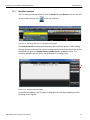
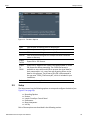
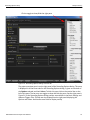
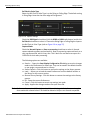
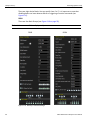
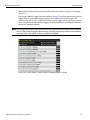
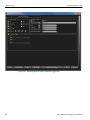
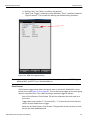
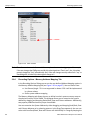
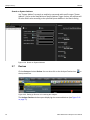
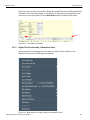
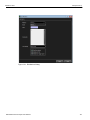
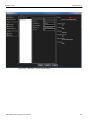
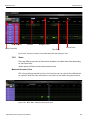
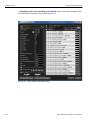
The first time you run your software, click on Setup and select Devices. You can also click on the Analyzer Devices icon on the top menu bar.
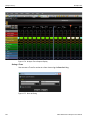
Figure 1.11: Setting up Devices on Launching the Analyzer
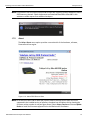
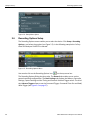
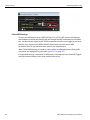
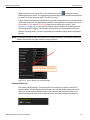
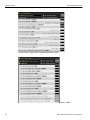
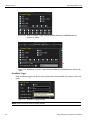
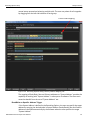
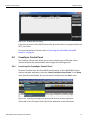
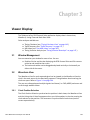
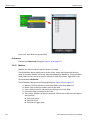
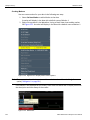
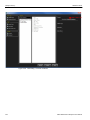
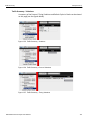
The Analyzer Devices window opens displaying the connected devices. A blue shading through the entry indicates that a device is being selected, and this device will be the one used when you select the Update Device, Update License, or About buttons. The checkbox indicates that this device can participate in recording traces.
Figure 1.12: Analyzer Devices Dialog
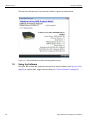
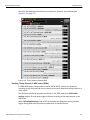
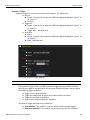
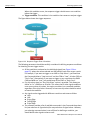
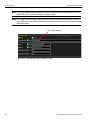
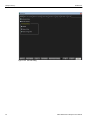
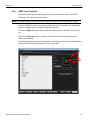
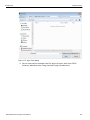
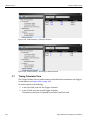
It automatically detects if the Firmware or BusEngine version needs updating and the following screen displays.
Kibra DDR Protocol Analyzer User Manual
25