1
1
Contents
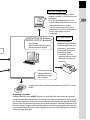
Your Digital Camera:
From Image Capture to Photo Prints ................................. 2
What the PENTAX PHOTO Browser can do ...................... 4
System Requirements..............................................................................5
Installing the PENTAX PHOTO Browser ............................ 6
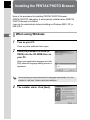
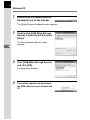
When using Windows...............................................................................6
When using Macintosh.............................................................................8
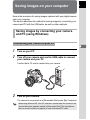
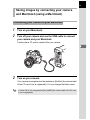
Saving images on your computer ...................................... 9
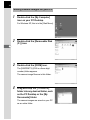
Saving images by connecting your camera and PC (using Windows).....9
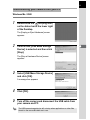
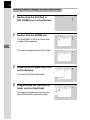
Saving images by connecting your camera and Macintosh (using a
Macintosh)..............................................................................................13
Other methods for saving images ..........................................................15
PENTAX PHOTO Browser ................................................. 16
Opening the PENTAX PHOTO Browser ................................................16
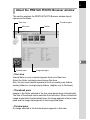
About the PENTAX PHOTO Browser window .......................................17
Viewing Images......................................................................................22
Main image window................................................................................24
Saving a List of Image Data ...................................................................33
Changing the PENTAX PHOTO Browser settings .................................34
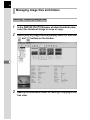
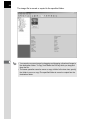
Managing image files and folders ..........................................................36
PENTAX PHOTO Laboratory............................................. 44
Opening the PENTAX PHOTO Laboratory ............................................44
Closing the PENTAX PHOTO Laboratory..............................................45
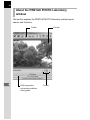
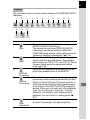
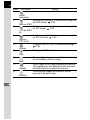
About the PENTAX PHOTO Laboratory window ...................................46
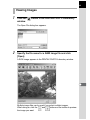
Viewing Images......................................................................................49
Setting RAW image data processing conditions ....................................51
Saving image files ..................................................................................55
Changing the PENTAX PHOTO Laboratory settings .............................56
Glossary.............................................................................. 57