1
3
Accutome
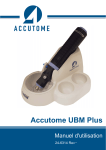
UBM Plus User Guide
GETTING STARTED
Assembling the Accutome UBM Plus
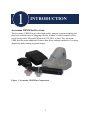
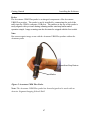
The UBM accurately images intraocular structures of the human eye using
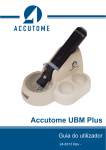
ultrasound. The product consists of a UBM Plus Ultrasound Probe, a Probe
Holder, a foot switch, a wired mouse, an anterior segment immersion shell, a
User Manual, and a CD containing the Accutome UBM+ software, all packed in
a plastic carrying case. The user supplies a PC with Microsoft Windows® XP
(SP2) or later.
The Accutome UBM is designed to be used in multiple environments and is
as simple as carrying a notebook computer and probe. The instrument requires
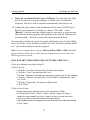
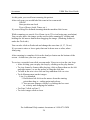
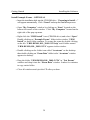
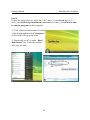
virtually no assembly. You simply need to install the software and plug the probe,
the mouse receiver and foot switch into your computer’s USB ports and activate
the USB ports.
What you need
For a complete Accutome environment you will need the following:
• Windows OS based Personal Computer (PC) - Accutome recommends,
Microsoft Windows® XP (SP2), based Personal Computer (PC) - Intel
Core 2 Duo (2.40GHz) or later, 4M L@ Cache, 66MHZ
• Accutome Ultrasonic UBM Plus Probe
• Accutome Ultrasound UBM Plus software
• 4 USB Port(s) recommended, 2 USB ports minimum
• Wired Mouse
• Printer
• Foot switch
• Anterior Segment Imaging Scleral Shells (18mm and 20mm)
14