1
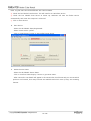
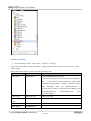
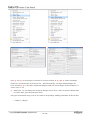
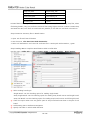
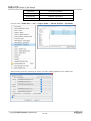
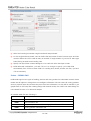
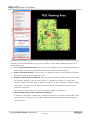
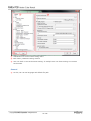
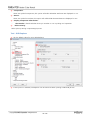
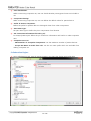
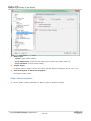
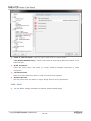
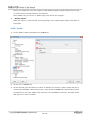
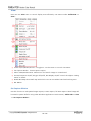
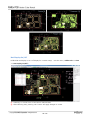
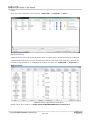
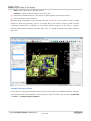
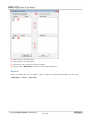
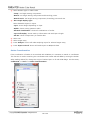
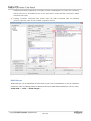
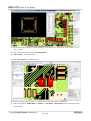
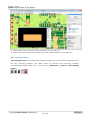
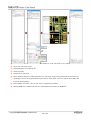
⑤ “Component Name Field” contains different identifiers assign to part.
⑥ At this window, it shows referenced components list.
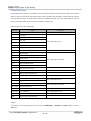
⑦ For pins used by part, this window shows whole properties of used pins.
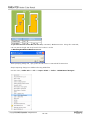
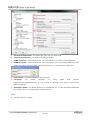
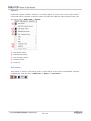
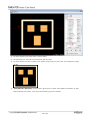
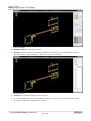
⑧ Using various buttons in “Measure” tab, user can make displaying dimensions for component
size, pad size, silk, solder/metal mask size.
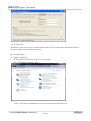
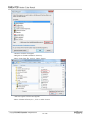
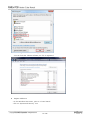
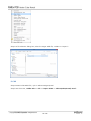
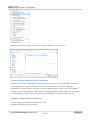
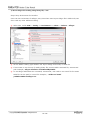
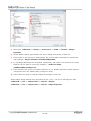
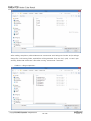
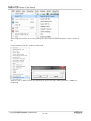
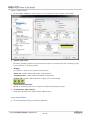
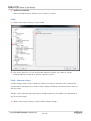
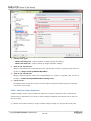
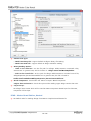
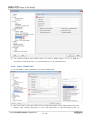
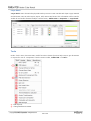
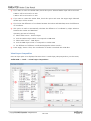
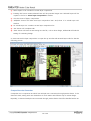
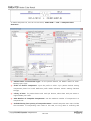
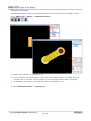
※ Next is another way to invoke “Part Viewer” in other tools in PollEx PCB. Upon linking with other
tools, user can use “Part Viewer” much easier.
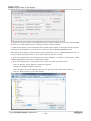
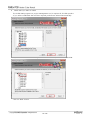
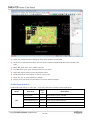
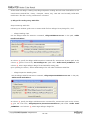
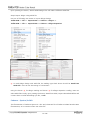
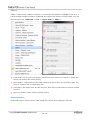
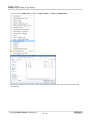
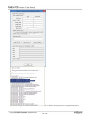
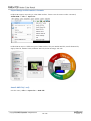
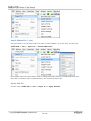
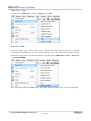
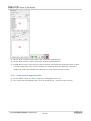
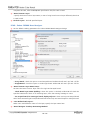
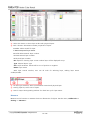
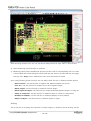
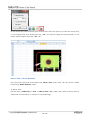
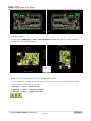
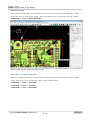
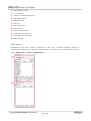
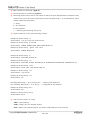
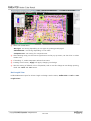
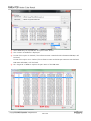
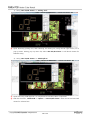
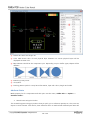
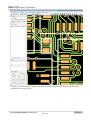
1) Using “Part Viewer” in “Picking Tool”.
124 / 136