1
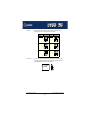
Connecting a 16 port distribution box
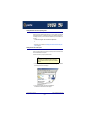
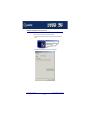
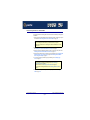
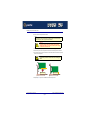
To allow 16 ports to be connected using a distribution box proceed as follows
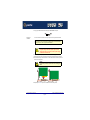
1. Install your 16 port AT or PCI FAST card using the procedures given in Installing a 16
port PCI host card on page 95 and Installing a 16 port AT host card on page 97.
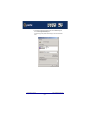
2. Turn off the power to your system.
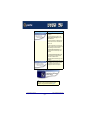
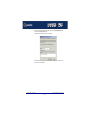
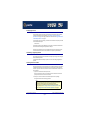
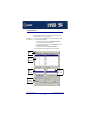
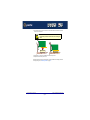
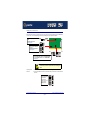
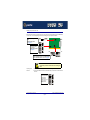
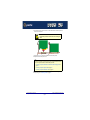
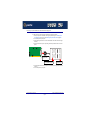
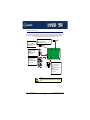
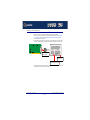
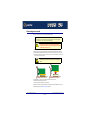
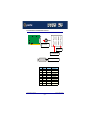
3. Push fit the large connector on the single end of your octopus cable onto the card edge
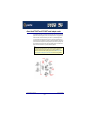
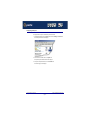
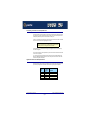
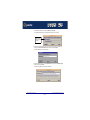
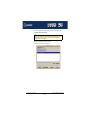
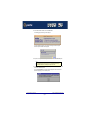
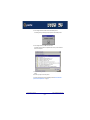
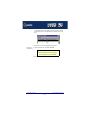
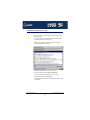
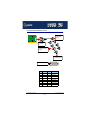
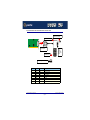
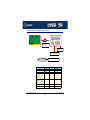
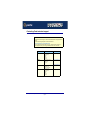
connector and secure in place using the screws provided as shown in the next picture.
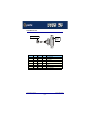
Push fit onto card
edge connector
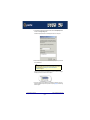
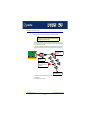
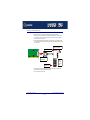
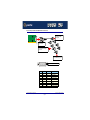
Port numbers
labelled on unit
Connect peripheral cable
here via DB25 connectors
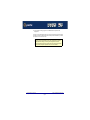
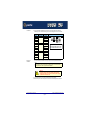
4. Connect peripherals to the required ports on the distribution box using DB25 connectors
provided, then turn on the power to your system.
FAST Serial Adaptors User Guide
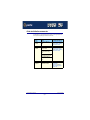
Installing host cards and distribution accessories
Chapter 2 Installing drivers and host cards
Page 102