1
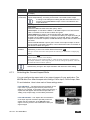
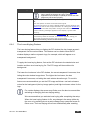
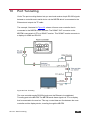
To setup and activate port tunneling on the VP-770:
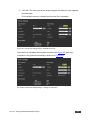
1. Set the dedicated port tunneling Ethernet connection port type and port
number through which the VP-770 will be passing RS-232 signals.
By default, the dedicated port settings are TCP, 5050.
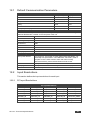
To change these settings see the “Port Tunneling Configuration” in the table
in Section 10 or via the embedded Web pages (see Section 9.6.3).
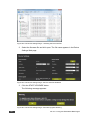
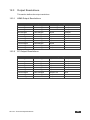
2. Set the HDBT UART command (the table in Section 13.4).
By default, the settings are 9600,8,N,1
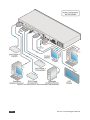
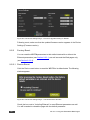
3. Make sure that the VP-770 is connected to Ethernet.
The VP-770 is now ready to tunnel RS-232 signals via Ethernet port tunneling.
94
VP-770 - Port Tunneling