1
Analyze Waveform Data
Snapshot
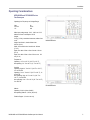
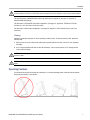
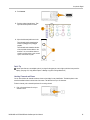
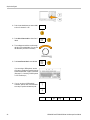
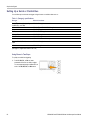
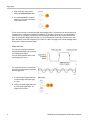
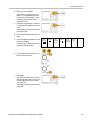
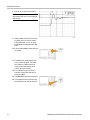
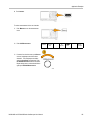
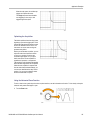
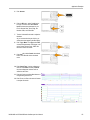
To see all the single-sourced measurements at one moment in time:
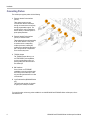
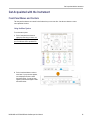
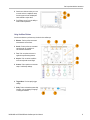
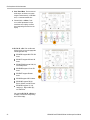
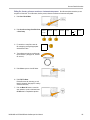
1. Push Measure.
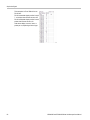
2. Push Add Measurement.
Add Measurement
Remove
Measurement
Indicators
Waveform
Histograms
More
Bring
Cursors
On Screen
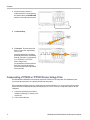
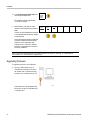
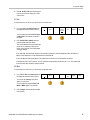
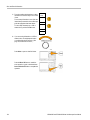
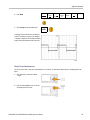
3. Turn multipurpose knob a to select the
desired Source channel.
4. Turn multipurpose knob b to select the
Measurement Type of Snapshot.
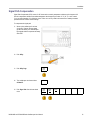
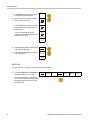
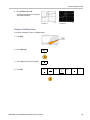
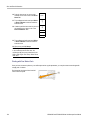
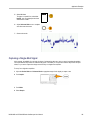
5. Push OK Snapshot All Measurements.
106
OK
Snapshot
All Measurements
MSO4000B and DPO4000B Series Oscilloscopes User Manual