1
Section 3 - Configuration
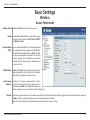
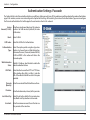
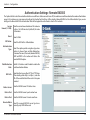
WDS mode
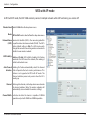
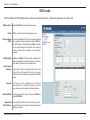
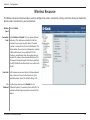
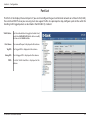
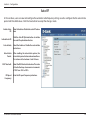
In WDS mode, the DAP-2360 wirelessly connects multiple networks, without functioning as a wireless AP.
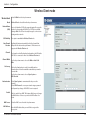
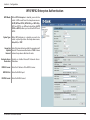
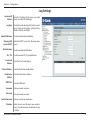
Wireless Band: Select 2.4GHz from the drop-down menu.
Mode: WDS is selected from the drop-down menu.
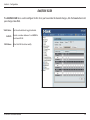
Network Name Service Set Identifier (SSID) is the name designated
(SSID): for a specific wireless local area network (WLAN).
The SSID’s factory default setting is dlink. The SSID
can be easily changed to connect to an existing
wireless network or to establish a new wireless
network.
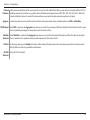
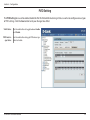
SSID Visibility: Enable or Disable SSID visibility. Enabling this
feature broadcasts the SSID across the network,
thus making it visible to all network users.
Auto Channel
Selection: Enabling this feature automatically selects the
channel that will provide the best wireless
performance. This feature is not supported in WDS
mode.
Channel: All devices on the network must share the
same channel. To change the channel, use the
drop-down menu to make the desired selection.
Channel Width: Use the drop-down menu to choose 20 MHz or
Auto 20/40 MHz.
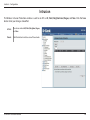
Remote AP Enter the MAC addresses of the APs on your netMAC Address: work that will serve as bridges to wirelessly connect
multiple networks.
D-Link DAP-2360 User Manual
21