1
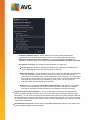
the Internet. Details >>
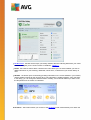
Emails - Checks your incoming e-mail messages for SPAM, and blocks viruses, phishing attacks, or
other threats. Details >>
Firewall - Controls all communication on each network port, protecting you from malicious attacks
and blocking all intrusion attempts. However, Firewall is not activated in this edition, and is only
accessible in a full professional version. Should you lik e to have access to further and extended
functionality of AVG paid products; then please visit AVG website (http://www.avg.com/) for AVG
purchase information.
Actions accessible
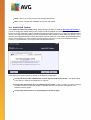
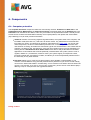
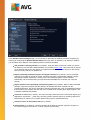
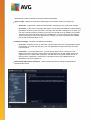
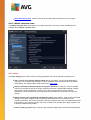
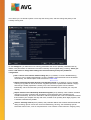
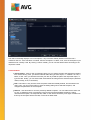
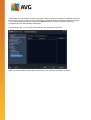
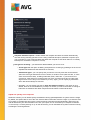
Move mouse over any component's icon to highlight it within the components overview. At the
same time, the component's basic functionality description appears in the bottom part of the user
interface.
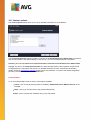
Single-click component's icon to open the component's own interface with the information on the
component's current status, and access to its configuration and statistical data.
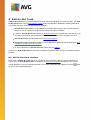
5.4. My Apps
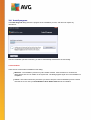
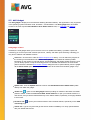
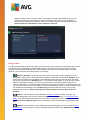
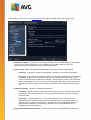
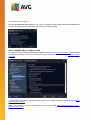
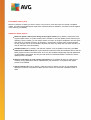
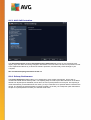
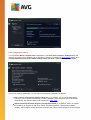
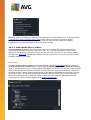
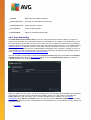
In the My Apps area (the line of green block s under the components set) you can find an overview of
additional AVG applications that are either already installed on your computer, or recommended for
installation. The blocks are displayed conditionally, and may represent any of the following applications:
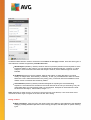
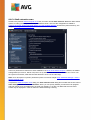
Mobile protection is an application that protects your cell phone from viruses and malware. It also
provides you with the ability of tracking your smart phone remotely if you should become separated
from it.
LiveKive is dedicated to online data backup on secured servers. LiveKive automatically backs up all
your files, photos, and music to one safe place, allowing you to share them with family and friends
and access them from any web-enabled device, including iPhones and Android devices.
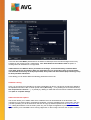
Family Safety helps you protect your children from inappropriate websites, media content, and online
searches, and provides you with reports regarding their online activity. AVG Family Safety uses keystroke technology to monitor your child's activities in chat-rooms and on social networking sites. If it
spots words, phrases or language that are known to be used to victimize children online, it will notify
you immediately via SMS or email. The application allows you to set the appropriate level of
protection for each of your children, and monitor them separately via unique logins.
PC Tuneup application is an advanced tool for detailed system analysis and correction, as to how
the speed and overall performance of your computer might be improved.
MulitMi brings all your email and social accounts together to one safe place, making it easier to get
in touch with your family and friends, to browse the Internet, share photos, videos and files. MultiMi
contains the LinkScanner service that protects you from the increasing number of threats on the web
by analyzing the web pages behind all the links on any web page you’re viewing and making sure
they’re safe.
AVG Toolbar is available directly in your Internet browser and guards your maximum security while
A V G A ntiV irus Free E dition 2 0 1 4 © 2 0 1 3 C opyright A V G T ec hnologies C Z, s .r.o. A ll rights res erved.
21