1
standard file permissions
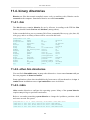
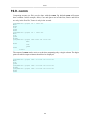
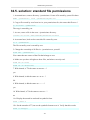
32.1.3. chgrp
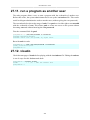
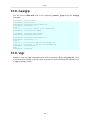
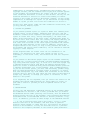
You can change the group owner of a file using the chgrp command.
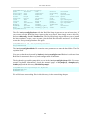
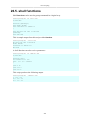
root@rhel65:/home/paul/owners# ls -l file2
-rw-r--r--. 1 root tennis 185 Apr 8 18:46 file2
root@rhel65:/home/paul/owners# chgrp snooker file2
root@rhel65:/home/paul/owners# ls -l file2
-rw-r--r--. 1 root snooker 185 Apr 8 18:46 file2
root@rhel65:/home/paul/owners#
32.1.4. chown
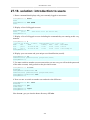
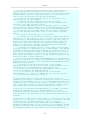
The user owner of a file can be changed with chown command.
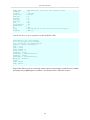
root@laika:/home/paul#
-rw-r--r-- 1 root paul
root@laika:/home/paul#
root@laika:/home/paul#
-rw-r--r-- 1 paul paul
ls -l FileForPaul
0 2008-08-06 14:11 FileForPaul
chown paul FileForPaul
ls -l FileForPaul
0 2008-08-06 14:11 FileForPaul
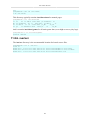
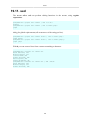
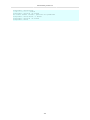
You can also use chown to change both the user owner and the group owner.
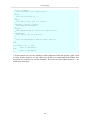
root@laika:/home/paul# ls -l FileForPaul
-rw-r--r-- 1 paul paul 0 2008-08-06 14:11 FileForPaul
root@laika:/home/paul# chown root:project42 FileForPaul
root@laika:/home/paul# ls -l FileForPaul
-rw-r--r-- 1 root project42 0 2008-08-06 14:11 FileForPaul
309