1
Wireless Data Share
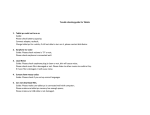
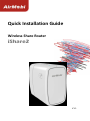
1. Plug the iShare2 into an electrical outlet, insert USB disk/hard disk into
USB port, and wait the system indicator turn from red into blue.
2. On your computer/ Smart phone /tablet, find and join iShare2’s WiFi
network.
For Android/iOS mobile devices
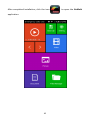
You can use AirMobi App to view and download the music, videos, photos
and documents from USB disk/hard disk.
In Files manager page, you can delete or download the files from USB
disk/hard disk.
In Backup page, you can upload files in mobile devices to USB disk/hard disk.
12