1
USER GUIDE
NMC-PRO
GENERAL
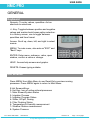
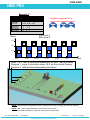
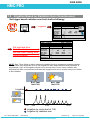
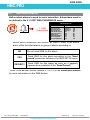
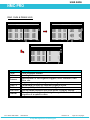
Keyboard
Numeric- To enter values, quantities. Act as
shortcuts to selections.
+/- Key- Toggles between positive and negative
values and marks check boxes option selection.
In a History screen, use to toggle between
quantities and time format.
Arrows- Scroll up, down, left, and right to select
menus.
MENU- To main menu, also acts as "ESC" and
"Back" keys.
ENTER- Enter menu, submenu, value, open
window, confirm a value or change.
HELP- Access help screens and graphs.
DELETE- Erases typing mistake.
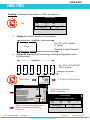
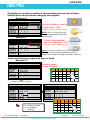
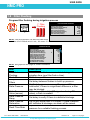
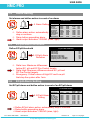
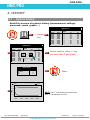
Hot Screens
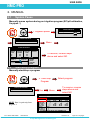
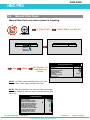
Press MENU from Main Menu to see Read-Only overview running
processes. Press MENU again to return to Main Menu.
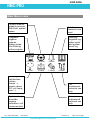
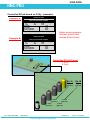
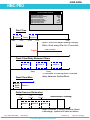
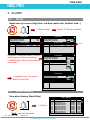
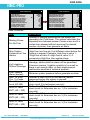
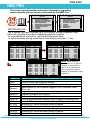
9 Hot Screens/Keys:
0- Hot Key- Icon of active actions/processes
1- Main Screen/System Status
2- Irrigation Process
3- Irrigation Program Status
4- Water, EC/pH, Dosing
5- Filter Flushing Status
6- Temperature & Humidity measurement
7- Weather Station measurement
8- System Pressure
Doc. Name: NMC-PRO I
User Manual
Revision: 02
Crop Management technologies
Page: 1 of 40 pages