1
Driver Installation
1. Please plug the UTS-422 or UTS-485 converter into the USB port of PC first.
2. Insert the driver CD into the CD-ROM drive of your computer. The setup program
will begin to run automatically.
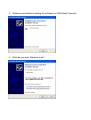
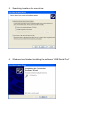
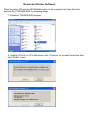
3. If it’s the first time you install the driver of USB to Serial device, you will need to
install the driver twice. One is for the device under Universal Serial Bus Controller;
the other is for COM port.
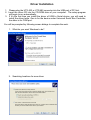
You will be prompted by following screen dialogs to complete the work.
1. What do you want Windows to do?
-
2. Searching locations for new driver







![カタログPDFダウンロード[PDF:2MB]](http://vs1.manualzilla.com/store/data/006704406_2-8677e57ba2f25e1fb369fb9241e96f4a-150x150.png)