1
P Notes
• You need a certain amount of free space in
the memory media to divide a file.
• When you divide a file with a title and artist
name, the newer part has the same title, and
artist name.
• You cannot divide files other than those
recorded using the IC recorder (e.g., a file
transferred from a computer). Moreover,
when you edit files using the supplied Sound
Organizer software, dividing files may not
be possible.
• Once a file is divided, you cannot return it to
the original status again.
• If you divide a file at the position within 0.5
seconds from a track mark, the track mark
will be erased.
• Because of the system limitations, you
cannot divide a file at the very beginning or
at the very end of the file.
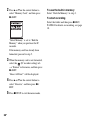
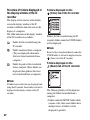
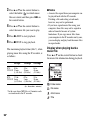
To cancel dividing
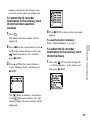
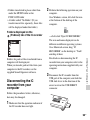
Dividing a file at all the track
mark positions
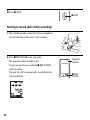
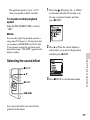
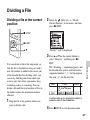
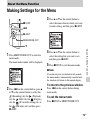
x STOP
N/ENT
v, V
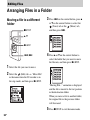
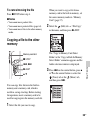
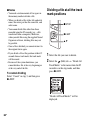
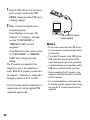
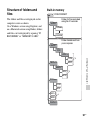
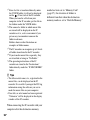
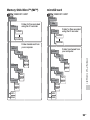
1 Select the file you want to divide.
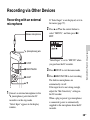
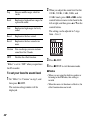
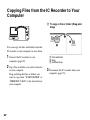
2 Select the
(Edit) tab t “Divide All
Track Marks” in the menu when the IC
recorder is in the stop mode, and then
press N/ENT.
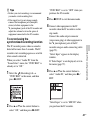
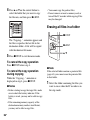
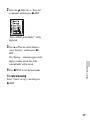
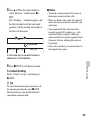
Select “Cancel” in step 3, and then press
N/ENT.
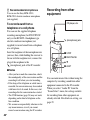
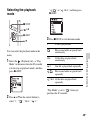
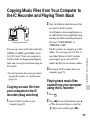
“Divide All Track Marks?” will be
displayed.
62
GB