1
Configuration
Configuration
You can configure the settings required to connect the unit to the network, as well as other various settings.
Making Settings
1.
2.
3.
4.
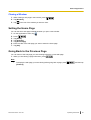
On the Home Screen, press
.
Tap [Settings].
Navigate to and tap the desired setting.
Make changes to the setting as required.
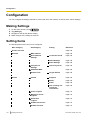
Setting Items
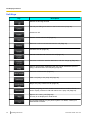
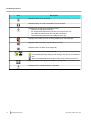
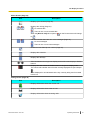
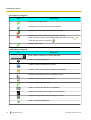
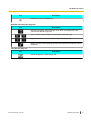
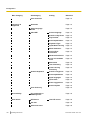
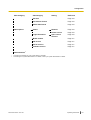
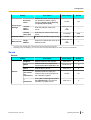
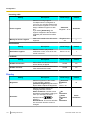
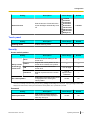
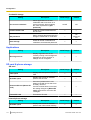
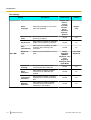
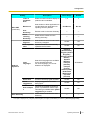
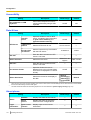
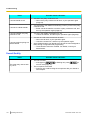
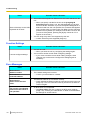
The following items for the unit can be configured.
Main Category
Sub-Category
Setting
Screen lock now
Network
Page 108
MAC Address
Basic Network
Settings
Proxy Server
Settings
Page 108
Connection mode
Page 108
DHCP Settings
Page 108
Static Settings
Page 108
Use Proxy server
Page 109
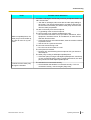
Embedded Web
Sound
104
Operating Instructions
Reference
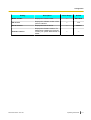
Page 109
Network Test
Target address
Page 109
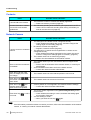
Volume
Ringtone
Page 109
Media
Page 109
Alarm
Page 109
Use incoming call
volume for
notifications
Page 109
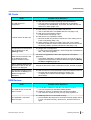
Phone ringtone
Page 110
Melody for Phone
ringtone
Page 110
Notification
ringtone
Page 110
Audible touch tones
Page 110
Audible selection
Page 110
Document Version 2011-09