1
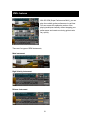
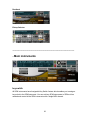
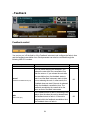
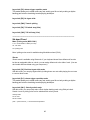
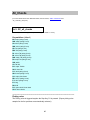
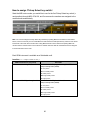
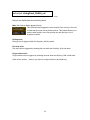
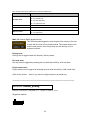
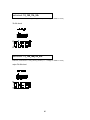
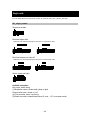
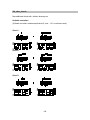
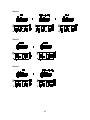
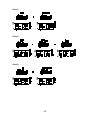
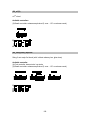
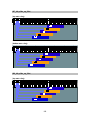
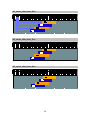
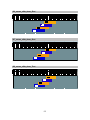
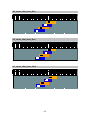
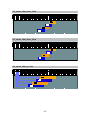
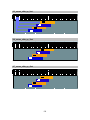
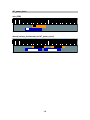
Instrument: 5th_legato_slide_vel
located in; /Instrumenst/*****/000_SPM/ (‘*****’ = ‘bridge’ or ‘middle’ or ‘neck’)
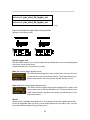
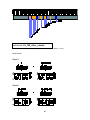
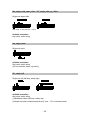
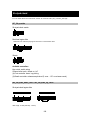
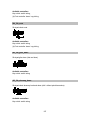
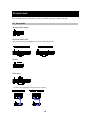
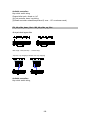
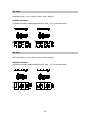
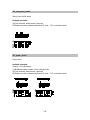
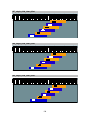
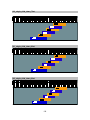
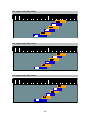
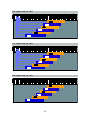
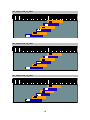
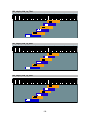
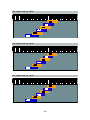
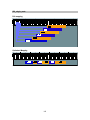
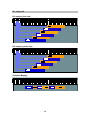
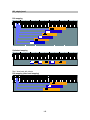
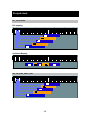
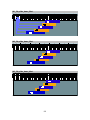
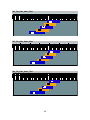
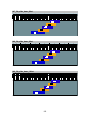
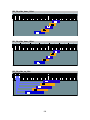
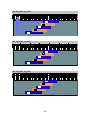
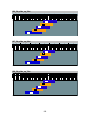
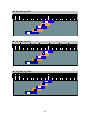
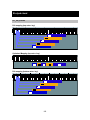
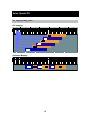
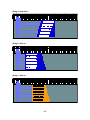
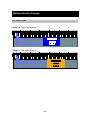
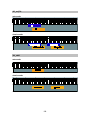
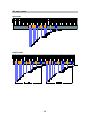
5th-dyad chord Realtime Legato Slide + Velocity Switch
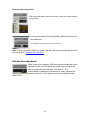
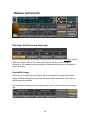
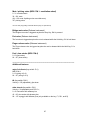
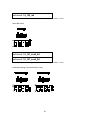
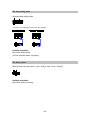
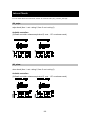
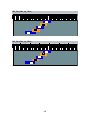
Real time legato slide
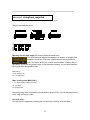
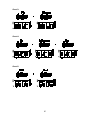
With this SPM instrument, you can play legato slide by holding down one note while playing the
next note to connect those notes. (Legato slide intervals: 12 semitones up / down)
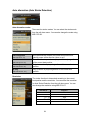
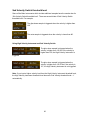
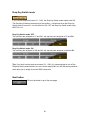
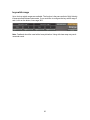
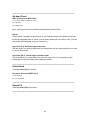
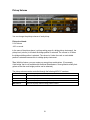
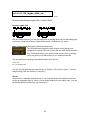
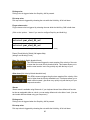
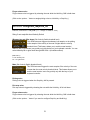
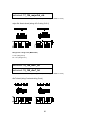
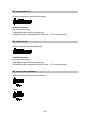
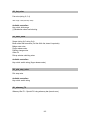
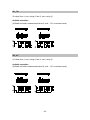
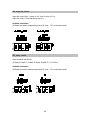
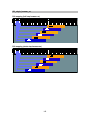
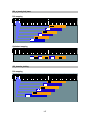
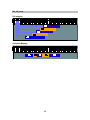
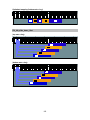
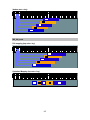
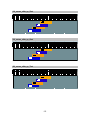
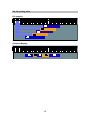
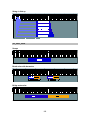
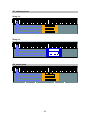
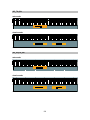
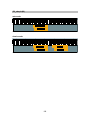
Mute / picking noise (Sub Velocity Switch threshold level)
This SPM instrument triggers the mute samples or the picking noise
samples if the velocity of the note is lower than the mute velocity threshold
level. This feature allows you to switch normal sustain / mute (or picking
noise) very quickly only with the keys of your keyboard controller.
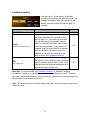
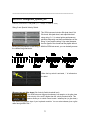
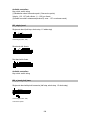
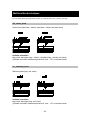
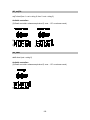
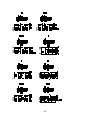
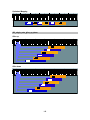
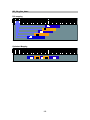
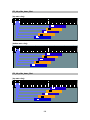
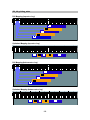
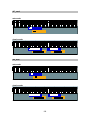
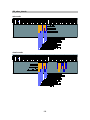
You can switch mute / picking noise with Modulation wheel (CC#1).
0 - 63: mute
64 – 127: picking noise
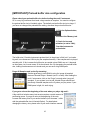
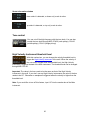
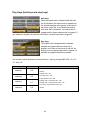
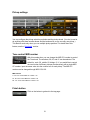
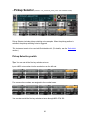
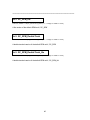
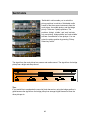
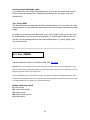
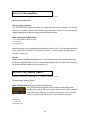
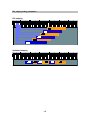
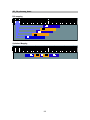
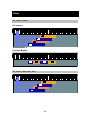
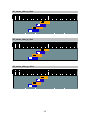
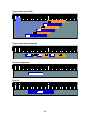
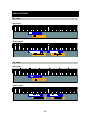
You can also play picking noise using Hold key or Stop Key. (Click on the ‘options…’ button to
assign picking noise to a Hold Key or Stop Key.)
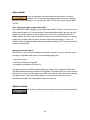
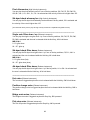
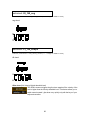
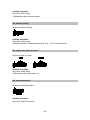
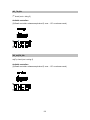
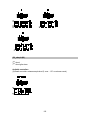
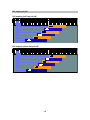
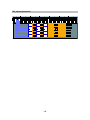
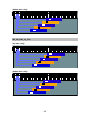
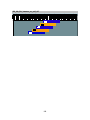
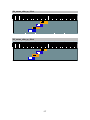
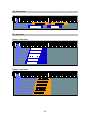
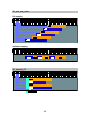
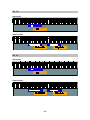
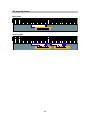
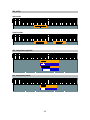
VIbrato
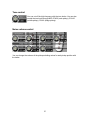
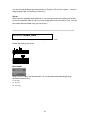
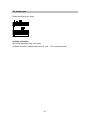
Vibrato sound is available using Aftertouch. If your keyboard doesn't have Aftertouch function
but has an assignable slider or a knob, you can assign Aftertouch to the slider / knob. (You can
also handle Aftertouch data using your sequencer.)
59