1
Taking Pictures (Smart Auto)
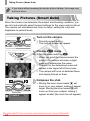
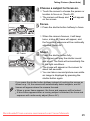
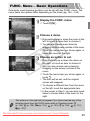
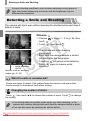
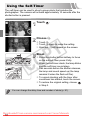
Choose a subject to focus on.
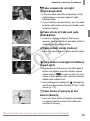
● Touch the screen to choose the person or
location to focus on (Touch AF).
will appear
on the screen.
X The camera will beep and
Focus.
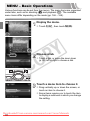
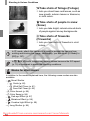
● Press the shutter button halfway to focus.
X When the camera focuses, it will beep
twice, a blue AF frame will appear, and
the focus and exposure will be continually
adjusted (Servo AF).
Y
P
O
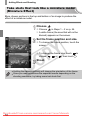
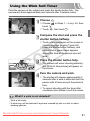
Shoot.
AF Frame
C
● Press the shutter button fully.
X The camera will play the shutter sound
and shoot. The flash will automatically fire
in low light conditions.
X The image will appear on the screen for
about two seconds.
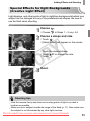
● You can take a second picture even while
an image is displayed by pressing the
shutter button again.
If you press the shutter button halfway instead of touching the screen as
shown on p. 24, the camera will automatically detect subjects, and AF
frames will appear where the camera focused.
• When a green frame appears, the focus and exposure will be locked.
• A blue frame appears when a moving subject is detected; the focus and
exposure will continuously adjust (Servo AF).
Downloaded From camera-usermanual.com Canon Manuals
25