1
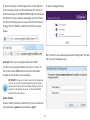
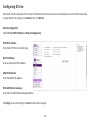
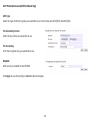
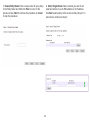
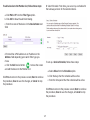
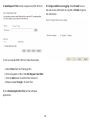
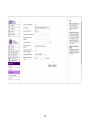
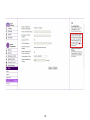
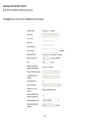
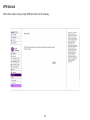
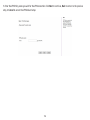
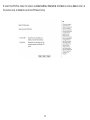
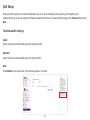
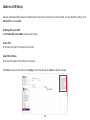
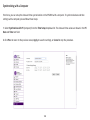
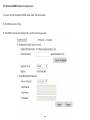
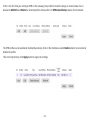
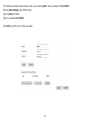
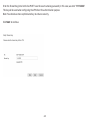
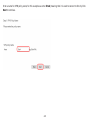
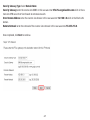
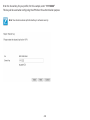
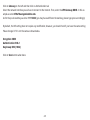
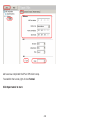
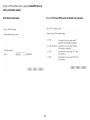
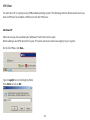
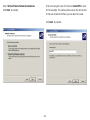
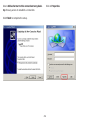
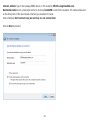
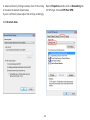
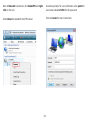
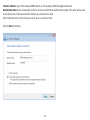
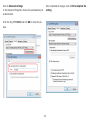
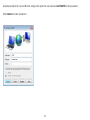
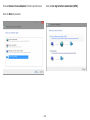
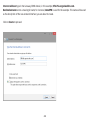
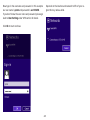
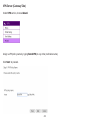
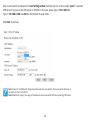
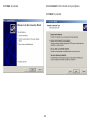
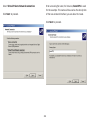
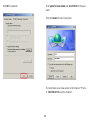
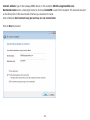
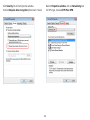
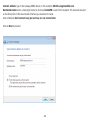
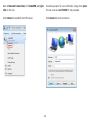
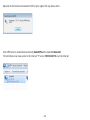
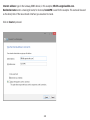
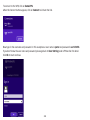
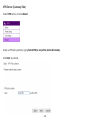
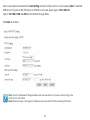
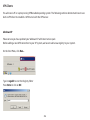
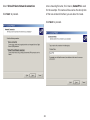
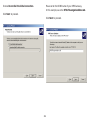
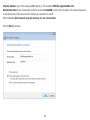
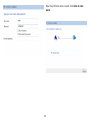
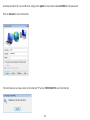
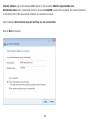
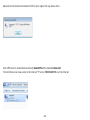
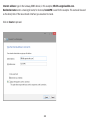
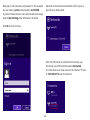
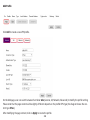
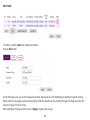
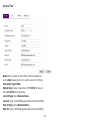
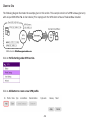
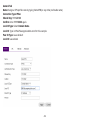
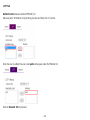
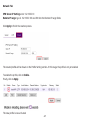
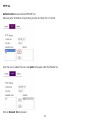
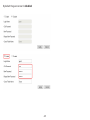
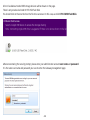
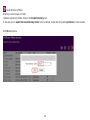
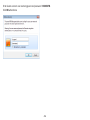
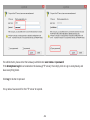
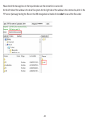
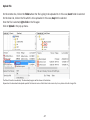
Internet address: type in the Gateway DDNS domain, in this example, 0f9e76a.engeniusddns.com.
Destination name: enter a meaningful name; for instance, homeVPN is used for the example. This name will be used
as the description of the new network interface you are about to create.
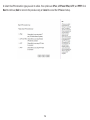
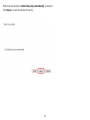
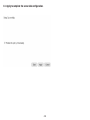
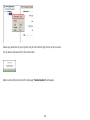
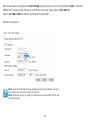
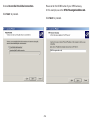
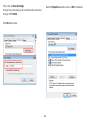
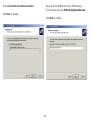
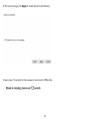
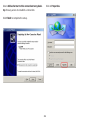
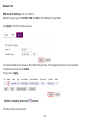
Select checkbox Don’t connect now; just set it up so I can connect later
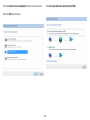
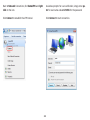
Click on Next to proceed.
261