1
Serial Communication (SCOM) Interface
Comm settings #1 (before Jan 2005 - pre-HW01 models)
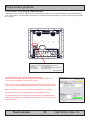
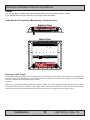
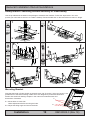
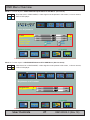
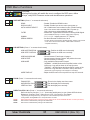
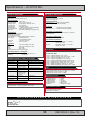
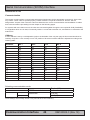
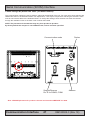
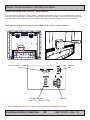
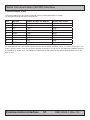
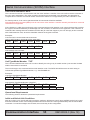
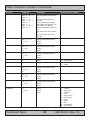
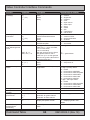
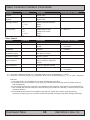
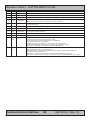
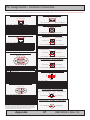
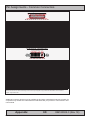
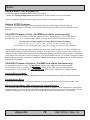
The communication options are set by switches, placed at the backside of the unit. For most units, these switches are
labelled like seen on the illustration below. For adjustments, a thin object is required for reaching the switches. Some
units do not have this label or the dedicated holes. To change the settings, these switches can either be reached
through the ventilation holes or the back cover must be demounted.
NOTE: The placement of the switches may vary from product to product!
By factory default the comport is set to RS232 mode, unless customer specified.
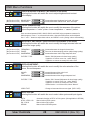
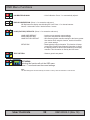
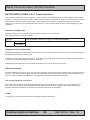
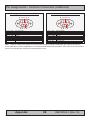
Communication mode
Straight/Reverse
Rx/Tx for RS422, COM1
Duplex
Address
Note: JHSCOM placement for products released and introduced BEFORE Jan 2005
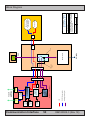
Communication Interface
IND100084-1
47
INB100005-3 (Rev 19)