1
Manageable Gigabit Ethernet Switch with SFP – User manual
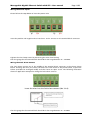
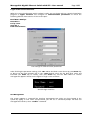
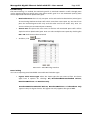
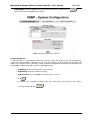
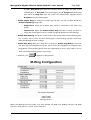
Agent Mode: Select the SNMP version that you want to use it. And then click
switch to the selected SNMP version mode
Page 51/83
Change
to
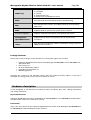
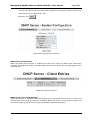
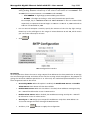
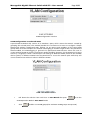
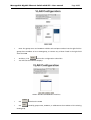
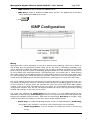
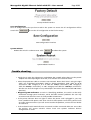
SNMP System Configuration interface
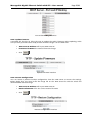
Trap Configuration
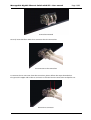
A trap manager is a management station that receives traps, the system alerts generated by the
switch. If no trap manager is defined, no traps will issue. Create a trap manager by entering the IP
address of the station and a community string. To define management stations as trap manager and
enter SNMP community strings and selects the SNMP version.
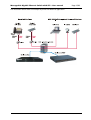
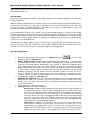
• IP Address: Enter the IP address of trap manager
• Community: Enter the community string
• Trap Version: Select the SNMP trap version type—v1 or v2c
• Click
Add
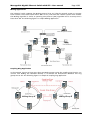
• To remove the community string, select the community string listed in the current
managers field and click
Remove
.
MICROSENS GmbH & Co. KG - Kueferstraße 16 - 59067 Hamm / Germany - Tel. +49 23 81/94 52-0 - FAX -100 - www.microsens.com