1
www.aitendo.co.jp
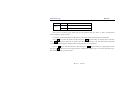
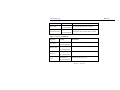
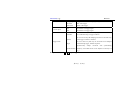
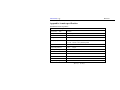
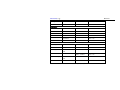
Storage site
Fan Series
1, 2, 34, 5, 6
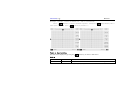
To select the waveforms at different storage sits as the reference
Effective
To display whether the current storage site has waveform data for
Ineffective
reference or not
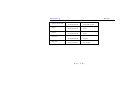
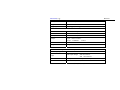
source
CH1
To select Channel 1 of the storage waveform as the reference
selection
CH2
To select Channel 2 of the storage waveform as the reference
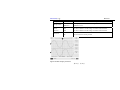
On
To set reference waveform to be in Inversion
Off
To close down inversion position
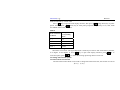
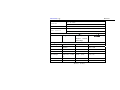
Storage status
Inversion
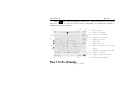
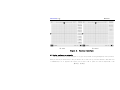
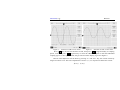
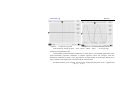
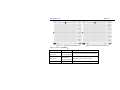
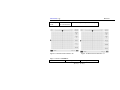
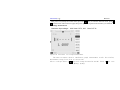
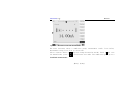
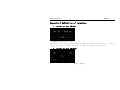
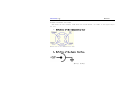
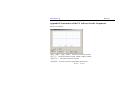
Figure 22 REF Display Interface
第 34 页
共 60 页