1
Section 2 - Installation
Using the Setup Wizard
Follow the simple steps below to run the Setup Wizard to guide you quickly through the installation process.
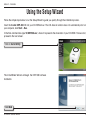
Insert the D-Link DHP-300 CD into your CD-ROM drive. If the CD Autorun function does not automatically start on
your computer, click Start > Run.
In the Run command box type “D:\DHP300.exe”, where D: represents the drive letter of your CD-ROM. If it does start,
proceed to the next screen.
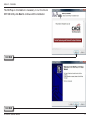
Click on Install Utility
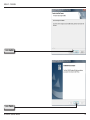
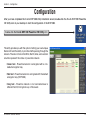
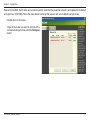
The InstallShield Wizard will begin the DHP-300 software
installation.
Click Next
D-Link DHP-300 User Manual