1
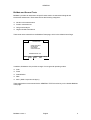
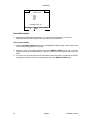
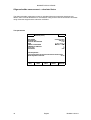
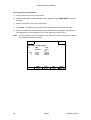
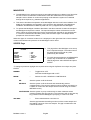
SETUP
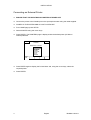
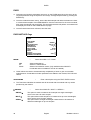
RECORDER Page
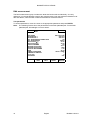
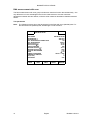
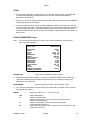
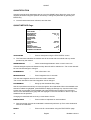
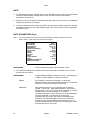
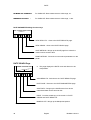
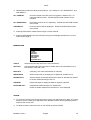
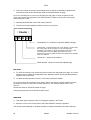
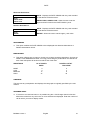
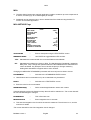
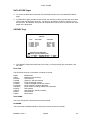
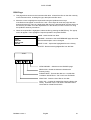
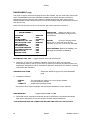
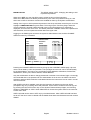
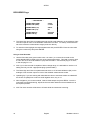
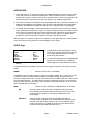
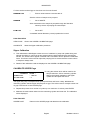
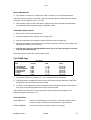
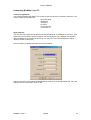
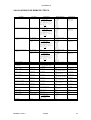
* RECORDER *
CHART HIGH (ABS)
CHART LOW (ABS)
: 3.000
: -0.300
CHART HIGH (%T)
CHART LOW (%T)
: 200.0
: 0.1
CHART HIGH (I)
CHART LOW (I)
: 99.9999
: 0.0000
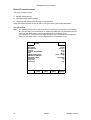
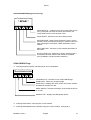
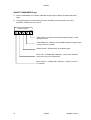
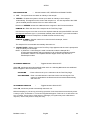
The Chart High and Chart Low parameters set the full scale deflection on the analogue chart
recorder output for each of the available measurement modes. On startup, these limits are
set to the maximum measurement ranges (as shown above).
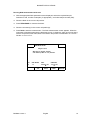
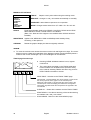
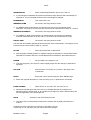
To reset the limits highlight the required parameter and press ENTER. Enter the new value
using the number keys and press ENTER.
Using a Chart Recorder
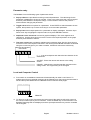
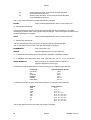
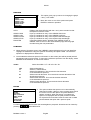
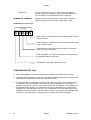
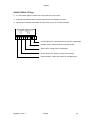
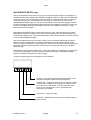
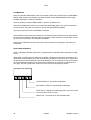
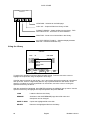
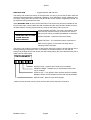
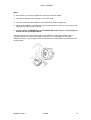
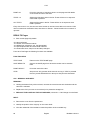
Use the Recorder Lead ( part number 4401 172 00401 ) to connect the recorder to the
socket labelled REC located to the rear of the spectrophotometer. This lead is used for both
0-10mV and 0-1V full scale deflection (fsd) chart recorders. Use the blue plug for 0-10mV,
or the red plug for 0-1V.
N.B. If your chart recorder is capable of either voltage range, it is advisable to use the 0-1V
setting and only use the 2 appropriate plugs (red and black).
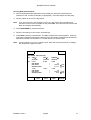
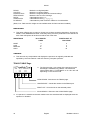
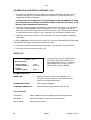
The Chart High and Chart Low parameters set the 0 to 1V full scale deflection (fsd) on the
analogue chart recorder output for each of the available measurement modes.
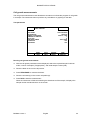
Operating tip: if you are working with absorbances close to zero best results are obtained if
the Chart Low (ABS) limit is set to a small negative value, say -0.1A.
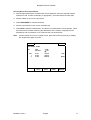
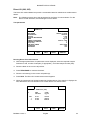
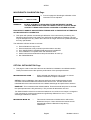
Now navigate to your chosen method, insert a blank sample and press ZERO. Once the
instrument has finished zeroing, adjust the chart recorder backoff so that its baseline is at
the required position.
N.B. The chart recorder will be driven off scale while the instrument is zeroing.
70
English
BioMate 5 Issue 1