1
Progeny Imaging User's Guide
Screen and Menu Reference
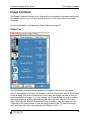
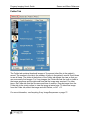
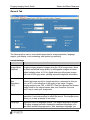
Photo Tab
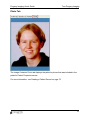
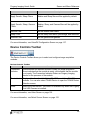
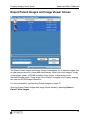
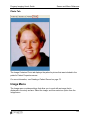
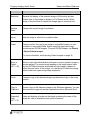
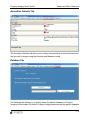
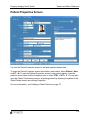
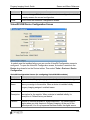
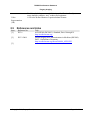
The Image Container Photo tab displays the patient’s picture that was included in the
patient’s Patient Properties screen.
For more information, see Creating a Patient Record on page 70.
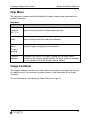
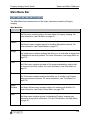
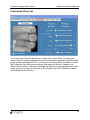
Image Menu
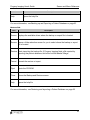
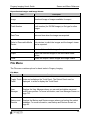
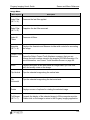
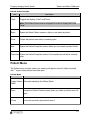
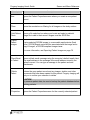
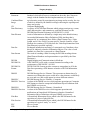
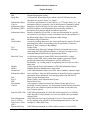
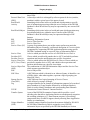
The Image menu contains settings that allow you to work with an image that is
displayed in the study surface. Select the image, and then select an option from the
Image menu.
101