1
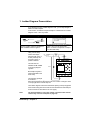
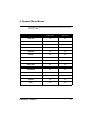
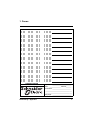
1. Forms
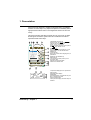
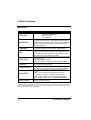
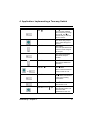
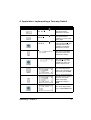
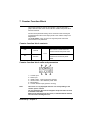
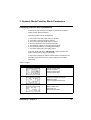
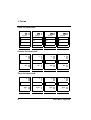
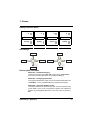
Analog function block
A
A
A
A
Analog
Analog
Analog
Analog
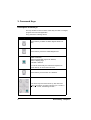
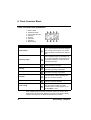
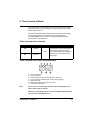
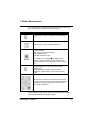
Arrow keys
z1
z4
z1
z2
z3
z4
z2
z3
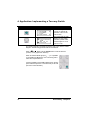
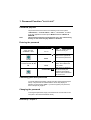
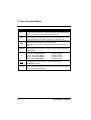
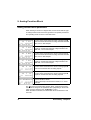
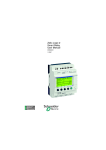
User’s quick reference
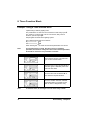
Reminder - Parameter display
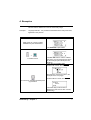
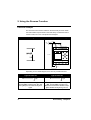
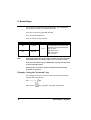
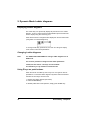
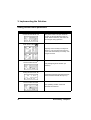
To display parameters, press Sel./ OK to bring up the "PARAMET."
menu, then scroll the parameters using the Z1 and Z3 keys.
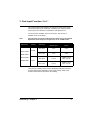
Reminder - Changing parameters
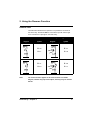
To change the parameters, simply move to the required parameter in the
"PARAMET." menu, press Sel./ OK, then change the parameter.
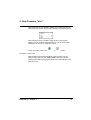
Reminder - Using the display screen
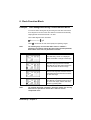
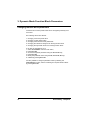
To monitor the state of an element on the main screen in real-time: Bring
up the "VISU." menu, move to the element to display, then validate the
selection by pressing Sel./ OK. Return to the main screen by pressing
Esc.
Smart Relay - Appendix
79