1
Section 5 - Maintenance
Maintenance
Admin
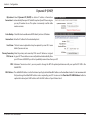
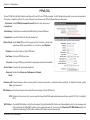
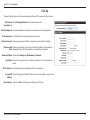
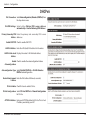
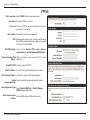
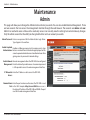
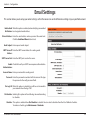
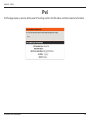
This page will allow you to change the Administrator and User passwords. You can also enable Remote Management. There
are two accounts that can access the management interface through the web browser. The accounts are admin and user.
Admin has read/write access while user has read-only access. User can only view the settings but cannot make any changes.
Only the admin account has the ability to change both admin and user account passwords.
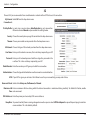
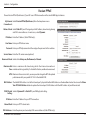
Admin Password: Enter a new password for the Administrator Login Name.
Type it again in the next box.
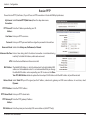
Enable Graphical Enables a challenge-response test to require users to type
Authentication: letters or numbers from a distorted image displayed on the
screen to prevent online hackers and unauthorized users from
gaining access to your router’s network settings.
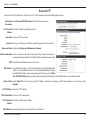
Enable Remote Remote management allows the DIR-140L to be configured
Management: from the Internet by a web browser. A username/password
is still required to access the web management interface.
IP Allowed to Enter the IP address used to access the DIR-140L.
Access:
Remote Admin Enter the port number used to access the DIR-140L is used
Port: in the URL. Example: http://x.x.x.x:8080 where x.x.x.x is
the Internet IP address of the DIR-140L and 8080 is the port
used for the web management interface.
D-Link DIR-140L User Manual
65