1
13
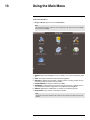
Using the Main Menu
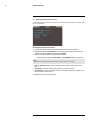
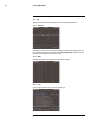
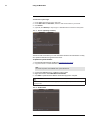
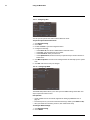
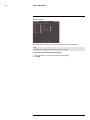
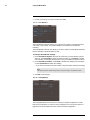
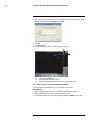
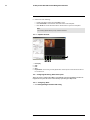
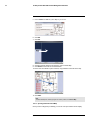
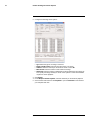
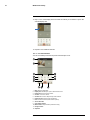
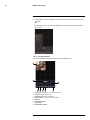
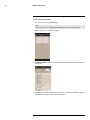
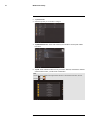
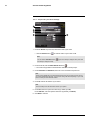
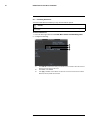
2. Under HDD Group select the group number you would like to assign to each hard
drive.
3. Click OK. The system will restart.
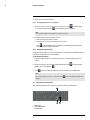
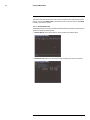
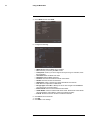
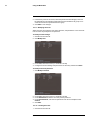
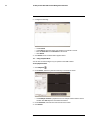
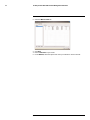
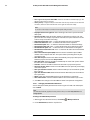
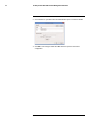
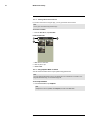
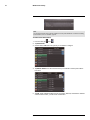
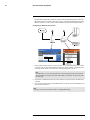
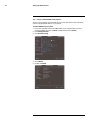
4. Return to the HDD Manage menu (right-click>Main Menu>Advanced>HDD Manage).
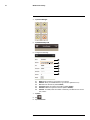
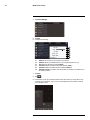
Click HDD Channel.
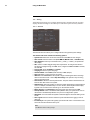
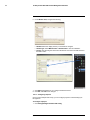
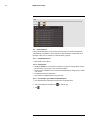
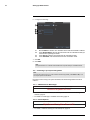
5. For each channel, select the hard drive group you would like it to record to.
6. Click OK.
13.4.5
Warning
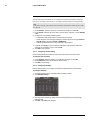
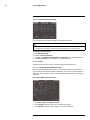
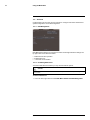
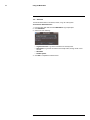
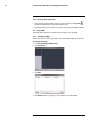
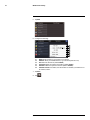
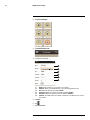
The Warning sub-menu allows you to configure actions taken when system errors occur.
#; r. 1.0/12560/12560; en-US
45