1
2 Getting started
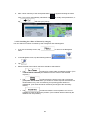
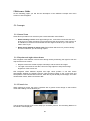
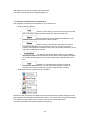
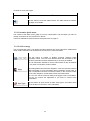
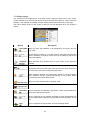
iGO navigation is optimised for in-car use. You can use it easily by tapping the screen buttons
and the map with your fingertips.
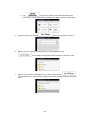
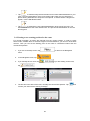
When using the navigation software for the first time, an initial setup process starts
automatically. Do as follows:
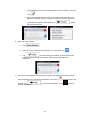
1.
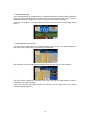
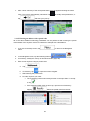
Select the written language of the application interface. Later you can change it in
Regional settings (page 79).
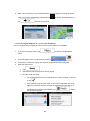
2.
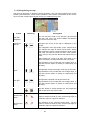
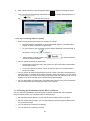
Select the language and speaker used for voice guidance messages. Later you can
change it in Sound and Warnings settings (page 79).
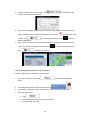
3.
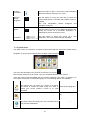
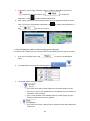
If needed, modify the time format and unit settings. Later you can change them in
Regional settings (page 79).
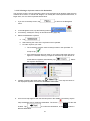
4.
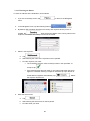
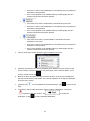
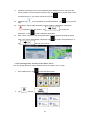
If needed, modify the default route planning options. Later you can change them in
Route settings (page 74).
5.
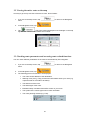
The initial setup is now complete. The Configuration wizard can be restarted later from
the Settings menu (page 70).
After the initial setup, the Navigation menu appears and you can start using iGO navigation.
7