1
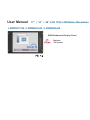
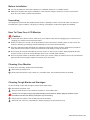
< 2.2 > On-screen Display Operation ( OSD )
OSD Configuration Page
Image:
for the brightness, contrast, color temp, red, green, and blue
Geometry:
for the auto adjust, H position, V position, phase and clock
Video:
for the colour, tint, sharpness, noise reduction, DCDi and TV Setup
Audio:
for volume, bass, treble, balance, AVL and mute
Misc:
for the language, OSD position, graphic mode, ratio, reset and timer
P.11
www.rackmountmart.com