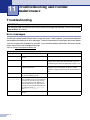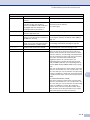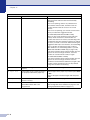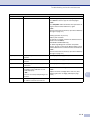
1
Chapter 11
Machine Information
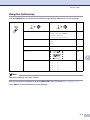
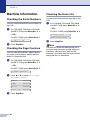
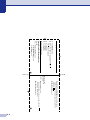
Checking the Drum Life
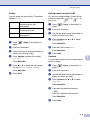
Checking the Serial Numbers
You can view the machine’s drum life on the
LCD.
You can view the machine’s serial number on
the LCD.
1
3.Drum Life
For MFC-7225N, press Menu/Set, 6, 1.
Remaining:XXX%
Press Stop/Exit.
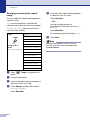
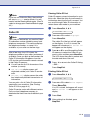
You can view the machine’s page counters
for copies, printer pages, reports and lists,
faxes or a summary total.
For FAX-2820, FAX-2910, FAX-2920
and MFC-7220, press Menu/Set, 4, 2.
—OR—
For MFC-7225N, press Menu/Set, 6, 2.
2.Page Counter
2
Press ▲ or ▼ to select Total, Copy,
Print or List/Fax.
Total
:XXXXXX
Copy
:XXXXXX
Print
:XXXXXX
List/Fax :XXXXXX
3
For MFC-7225N, press Menu/Set, 6, 3.
—OR—
Checking the Page Counters
1
For FAX-2820, FAX-2910, FAX-2920
and MFC-7220, press Menu/Set, 4, 3.
—OR—
For FAX-2820, FAX-2910, FAX-2920
and MFC-7220, press Menu/Set, 4, 1.
1.Serial No.
2
1
Press Stop/Exit.
11 - 29
2
Press Stop/Exit.
Note
The drum life check will be accurate only if
you have reset the drum counter when you
installed a new drum unit. It will not be
accurate if you have reset the drum counter
during the life of a used drum.