1
2.3 LOADING A DATA FILE
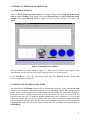
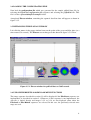
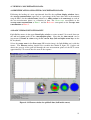
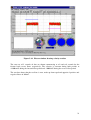
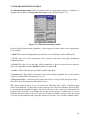
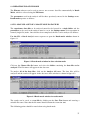
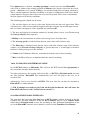
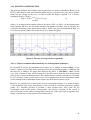
Load the captured twin-plane ECT data file golfball.bcp using the File>Load sequence. This
opens a select file to open window as shown in figure 2.3.1 below.
Figure 2.3.1 Select file to open window
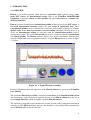
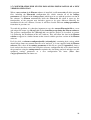
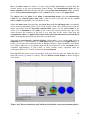
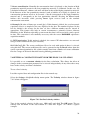
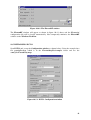
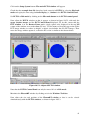
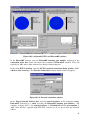
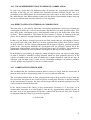
Select the required file which is in the c:\Flowan\Datafiles\Examples folder. The Flowan
Zone and Pixel Chooser window appears, as shown in figure 2.3.2 below.
Figure 2.3.2 Zone and Pixel Chooser window
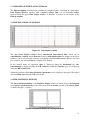
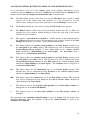
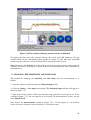
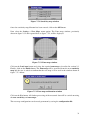
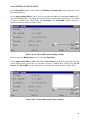
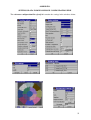
Click on the load Zone (map) button. The Select Zone (map) file window (as shown in
figure 2.3.3 below) appears.
Figure 2.3.3 Select Zone File window
7