1
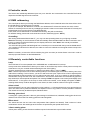
Fan speed operating modes
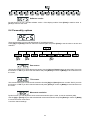
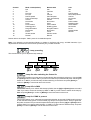
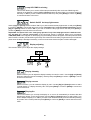
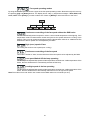
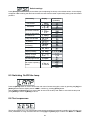
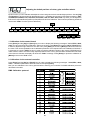
By using this function you can choose 5 types of the fan speed operating modes. Browse through this menu by
the pressing [Up] and [Down] buttons - the display shows step by step these messages: "Auto,HIGH, reG,
LoOF, LoHI". Press [Enter] if you wish to select one of them or [Mode] to cancel and return to the menu.
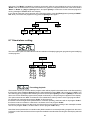
Continuous controlling of the fan speed without the DMX value
The fan automatically raises its speed in order to control inside temperature of the lighting, if the
temperature inside increases about certain level (the low fan speed reduces the cooling of the
lighting). This cycle can repeat several times until the temperature inside is on suitable level.The
initial level of the fan speed can´t be adjusted by the DMX.
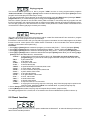
High (max.) speed of fans
The cooling fan works on max. speed (max. cooling)
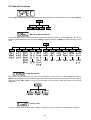
Continuous controlling of the fan speed
This mode is similar to "Auto", but the initial level of the fan speed can be adjusted by the DMX.
Low speed/Switch Off the lamp operating
The fan keeps the adjusted low speed until the temperature exceeds max. inside temperature of the
fixture, then the SCAN 250 XT automatically switches off the lamp.
Low/high speed of the fan operating
The fan keeps the adjusted low speed until the temperature exceeds max. inside temperature of the
fixture, then the SCAN 250 XT automatically switches from low to high the fan speed.
Note:The modes "Auto" and "HIGH" don´t interact to the DMX value on the channel 6 (0-127)!
21