1
MPEG4-4/8/16Channel - Installation/ Operation Manual
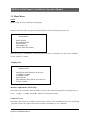
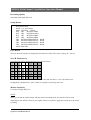
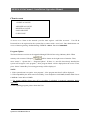
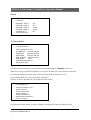
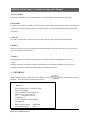
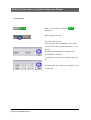
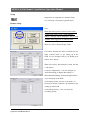
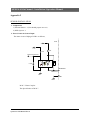
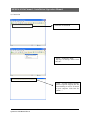
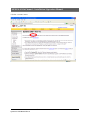
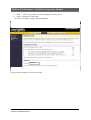
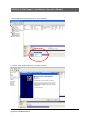
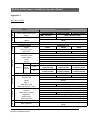
Backup Device
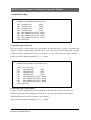
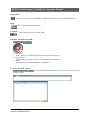
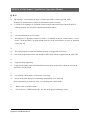
USB memory stick (thumbs drive) or internal CD RW is available.
Device Format
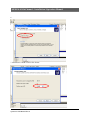
To back up the data, please delete existing files on the stick first.
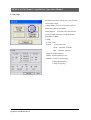
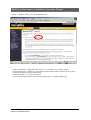
File Format
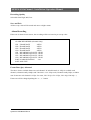
Exclusive or AVI file is available. AVI file is played with window media player (codec required) and
exclusive file will be played with our own player. Player is downloaded automatically together with
video data.
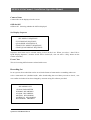
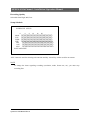
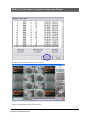
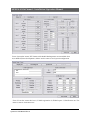
From/ To
You can set up the time, which is required to be backed up to the memory stick.
Channel
When you select exclusive, all channels can be downloaded at the same time. But, if you select AVI
only one channel can be selected.
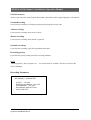
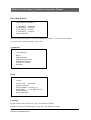
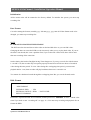
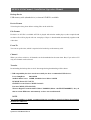
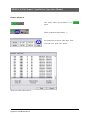
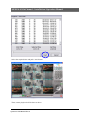
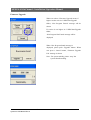
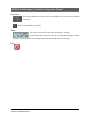
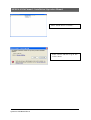
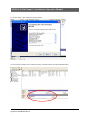
Transfer
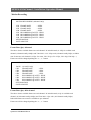
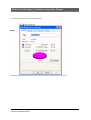
Downloading the backup data to stick. Percentage during downloading will be shown.
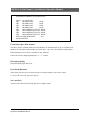
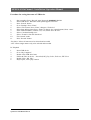
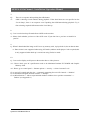
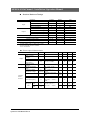
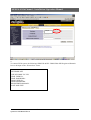
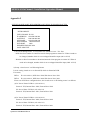
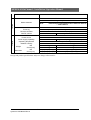
* USB compatibility has been tested successfully for these recommended USB devices.
Lexar JumpDrive
128/256MB
SanDisk Mini Cruzer 128MB, SanDisk Cruzer Micro 256MB
DVD/RW Plextor PX-716UFL
CD/RW Freecom Classic CD-RW 52x24x52
Lite-On CD/RW (LTR-52327SX)
Western Digital Essential 80GB USB2.0 7200RPM (Manu codeWDXUL800BBNU) they do
this in various HDD sizes unfortunately we have not tested them all.
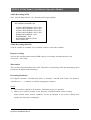
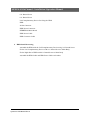
NOTE
For system stability, we highly recommend that the recording is turned off during downloading
the data to USB device.
Quantum—DVD Manual Rev A
38/86