1
7. Setting Preferences
**
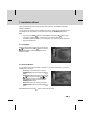
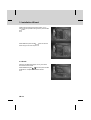
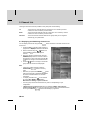
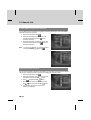
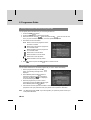
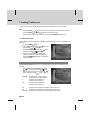
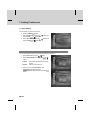
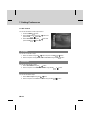
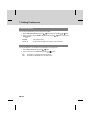
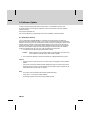
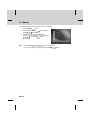
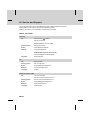
7.5 A/V Control
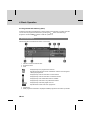
You can set the audio or video output control.
1. Press the MENU
button.
2. Select Preferences using the
press the OK
or button.
button and
3. Select A/V Control using the
press the OK
or button.
button and
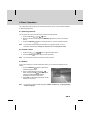
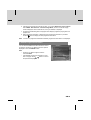
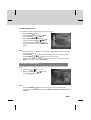
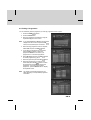
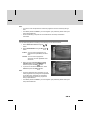
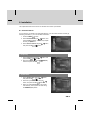
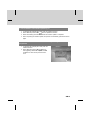
1. TV-SCART
You can set TV SCART output.
1. Select TV-SCART using the
button and press the OK
or
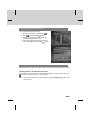
2. Select one option among CVBS, RGB and S-Video using the OK
button.
button.
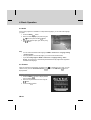
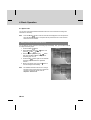
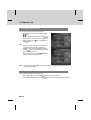
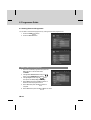
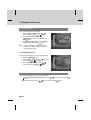
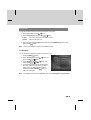
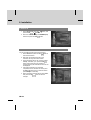
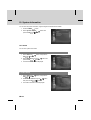
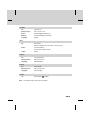
2. VCR-SCART
You can set VCR SCART output.
1. Select VCR-SCART using the
button.
2. Select one option from CVBS and S-Video using the OK
or
button.
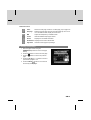
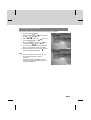
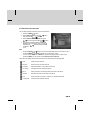
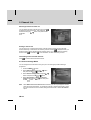
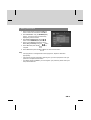
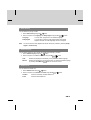
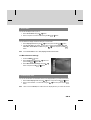
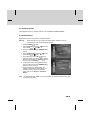
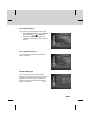
3. Audio Output
You can set the audio output.
1. Select Audio Output using the
button.
2. Select one option from Stereo and Mono using the OK
GB 44
or
button.