1
4-36
MENU DESCRIPTIONS
CONTROL OPTIONS (continued)
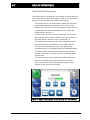
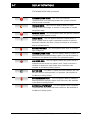
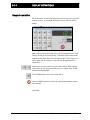
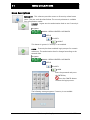
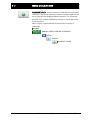
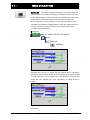
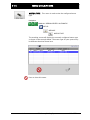
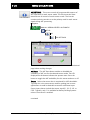
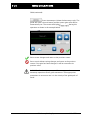
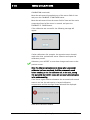
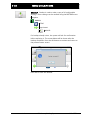
Sensor Enable These controls configure which sensor modes can
be selected using the SENSOR button on the Operator Level screen.
The menu will not permit saving a configuration with all sensor
modes disabled.
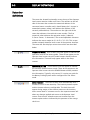
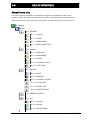
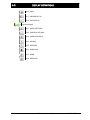
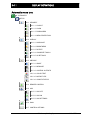
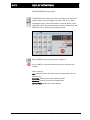
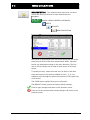
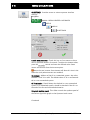
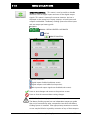
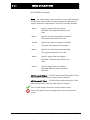
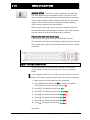
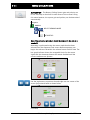
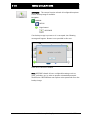
Sensor Type Used to select the desired icon appearance for sensor
modes. The default setting uses a standard “C” style sensor
appearance, but “line” sensors can be specified when applicable.
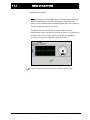
Note: When line sensor icons are selected, the center guiding mode
consisting of S1-S2 is disabled since it has no purpose in line
guiding applications.
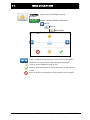
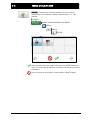
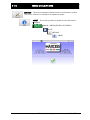
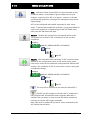
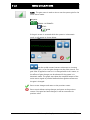
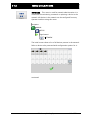
Press to save any changes made to this screen.
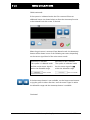
Press to exit without saving any changes.
www.maxcessintl.com
Fife Battery Guiding System
MI 2-277 1