1
A first session with the LKB system / 25
are used where there is no affixation. Morphological and lexical rules
are very similar to ordinary grammar rules in the LKB system.
Try viewing the lexical entry for bark via View / Lex entry. This
behaves much like View / Word entries that you used before, because
in this small grammar, the identifiers for the lexical entries are the same
as the orthography. Hence when prompted for a Lex-id, you can just
enter bark. At the top left of the window, it will say bark - expanded.
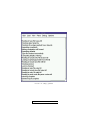
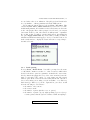
If you click on this, you will get a menu, which among other things has
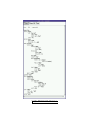
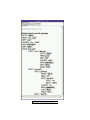
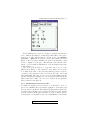
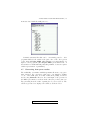
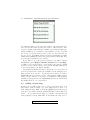
the option Apply all lex rules. If you select this, you will get a window
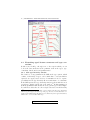
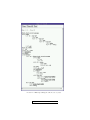
which shows which lexical rules apply to bark: you can click on the nodes
in the result window to display the feature structures corresponding to
the inflected forms.
2.5.3 Batch parsing
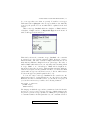
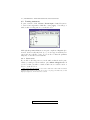
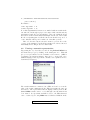
Now try Parse / Batch Parse. You will be prompted for the name
of a file which contains a test suite: i.e., a list of sentences which either
should or should not parse in a grammar. A suitable file, test.items,
already exists in the g8gap directory. Select test.items and enter the
name of a new file for the output, e.g., test.items.out. The system
will now parse all the sentences in test.items (this should only take a
few seconds, unless you are using a very slow machine or one with very
little memory). When you open the output file in your editor, it will
show the following for each sentence:
1.
2.
3.
4.
the number of the sentence
the sentence itself
the number of parses (0 if there were no parses)
the number of passive edges (roughly speaking a passive edge represents a phrase that the system constructed while attempting to
Copyright © 2002 CSLI Publications. To purchase, click here.