1
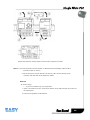
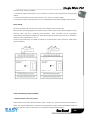
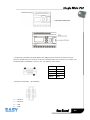
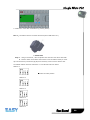
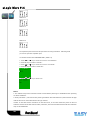
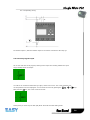
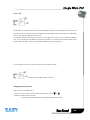
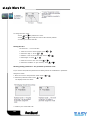
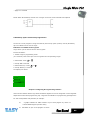
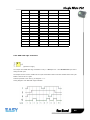
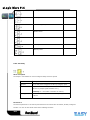
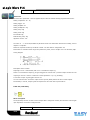
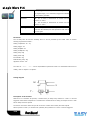
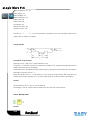
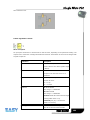
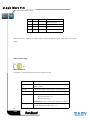
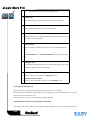
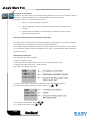
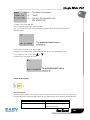
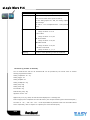
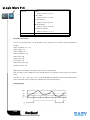
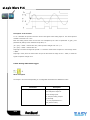
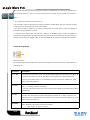
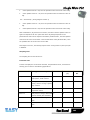
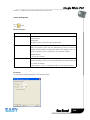
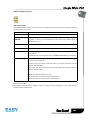
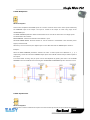
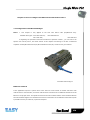
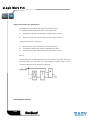
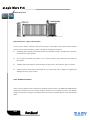
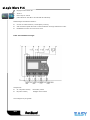
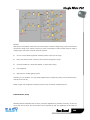
Notes: 1.Only one function key is allowed to be pressed down at any one time, if you press down two or
more at the same time, xLogic does not process.
2. If the arrow keys(UP, DOWN, LEFT and RIGHT), Esc and OK had been applied to the program,
then they would be invalid for menu operation (e.g. manual programming,parameters modification and
view alarming message etc).
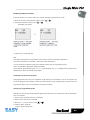
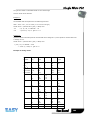
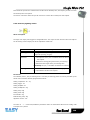
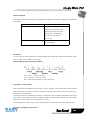
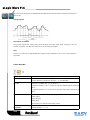
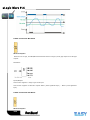
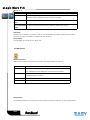
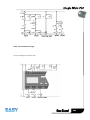
6.2.6 Shift register bits
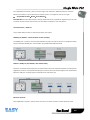
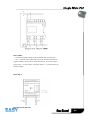
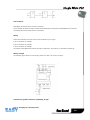
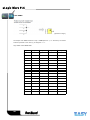
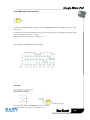
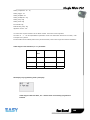
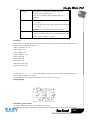
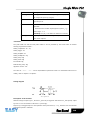
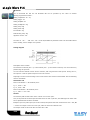
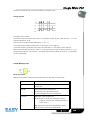
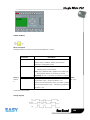
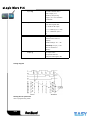
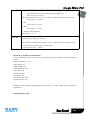
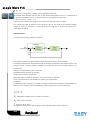
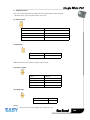
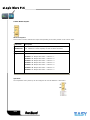
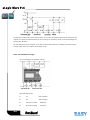
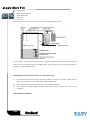
xLogic provides the shift register bits S1 to S8, which are assigned the read-only attribute in the circuit
program. The content of shift register bits can only be modified by means of the Shift register special
function
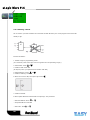
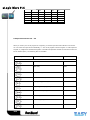
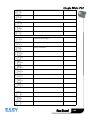
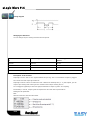
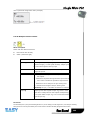
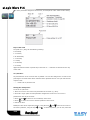
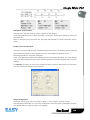
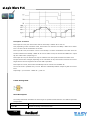
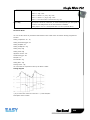
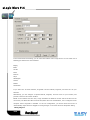
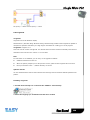
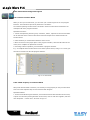
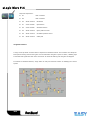
6.2.7 Analog inputs
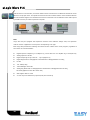
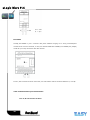
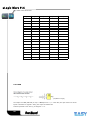
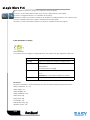
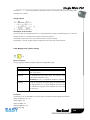
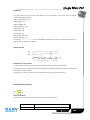
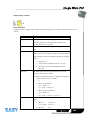
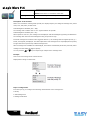
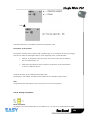
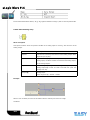
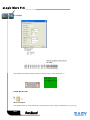
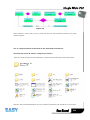
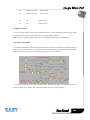
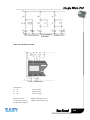
You can use up to 36 analog inputs. In your block configuration, you can assign a new input terminal to
an input block, provided this terminal is not already used in the circuit program.
90