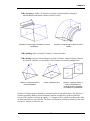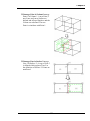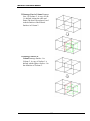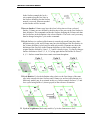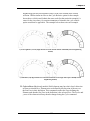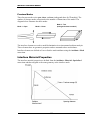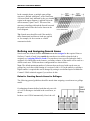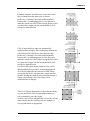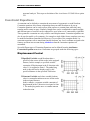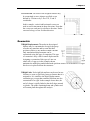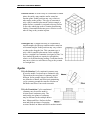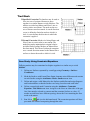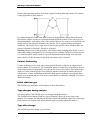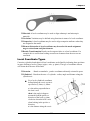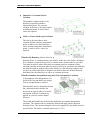
1
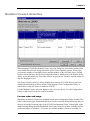
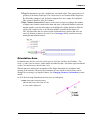
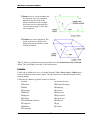
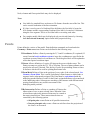
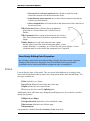
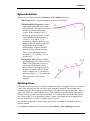
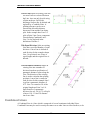
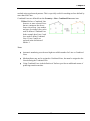
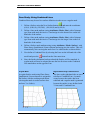
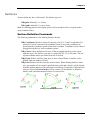
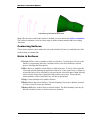
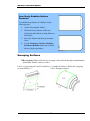
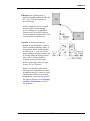
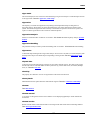
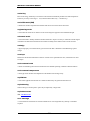
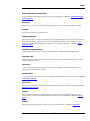
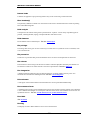
Modeller Reference Manual By Extrusion Enables a Volume to be defined by extruding a specified distance normal to a selected Surface. The positive direction is defined by the Surface normal unless an additional Point is selected. Extrusion can be towards or away from the specified reference Point. Coalescing Volumes The internal Surfaces from a Volume model may be removed by coalescing Volumes. This will result in a model with fewer Volumes which may be meshed using Tetrahedral elements. Case Study. Coalesce Volumes Sometimes a results file exists without a corresponding model file. The coalesce Volumes feature allows the results mesh to be converted to a Volume model so it can be modified and used in a subsequent analysis. 1. Open results file and use the File> Save As menu item to save it as .mdl file. 2. Use Control-A to select the mesh and convert it to Volumes using the Geometry> Volume> From Mesh menu item and select the Coalesce Volumes option. 3. Create a loadcase. Delete Holes When geometry is imported from CAD it may have small holes defined which are of no significance in the analysis. These holes may be removed using the Geometry> Volume> Delete Holes menu item. Delete Voids Voids are cavities in a Volume which do not penetrate the defining surfaces. Voids are removed using the Geometry> Volume> Delete Voids menu item. 94