1
1.00‐ppm Test solution calibration 1.
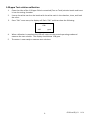
Clean the sides of the 1.00‐ppm Chlorine standard (Free or Total) solution bottle and insert it into the testing chamber. 2.
Line up the white mark on the bottle with the white mark in the chamber, close, and latch the cover. 3.
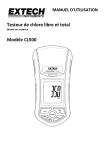
Press "CAL" once more; the display will flash “CAL” and then show the following: CAL
1.00
ppm
4.
When calibration is complete the LCD will return to the normal operating mode and measure the test solution. The display should show 1.00 ppm. 5.
The meter is now ready to measure test solutions. 6
CL500-en-GB_V1.1 11/14