1
Hybrid NDVR Server Manual
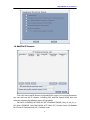
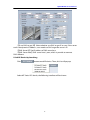
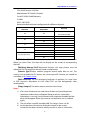
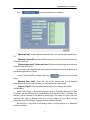
a very low sensitivity, system will search even that there is no motion in the
specified area. Contrarily, if you set a high sensitivity, it is possible that system will
not search when there are some small range motions in the specified area. So you
should set the sensitivity according to the surroundings.
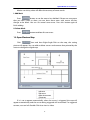
4.2.4 Select File
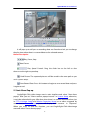
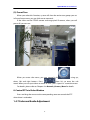
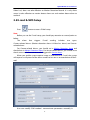
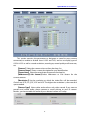
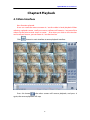
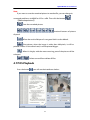
After selecting the camera to play user can click
files of this camera.
button to show all the
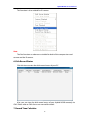
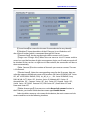
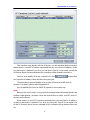
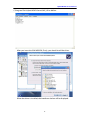
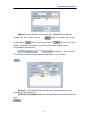
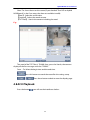
By default, system will play back video file from the first one. In this screen you
can select the file you want to play by clicking it directly.
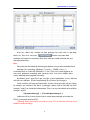
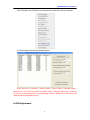
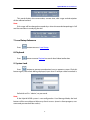
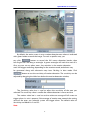
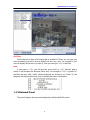
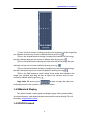
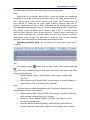
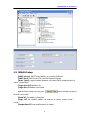
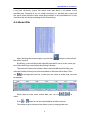
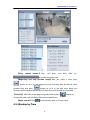
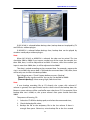
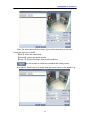
The camera list below the window shows the recorded data of the day you
selected. Double click any time with record data, a red mark will be there. Then
use
to enlarge the time bar, so that you can select an exact time you want
to playback
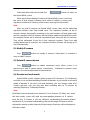
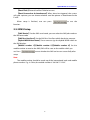
When there are too much record data, you can use
select.
Press
or
button to see the recorded data of other cameras,
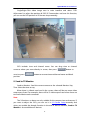
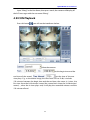
The red bar means the exact time when system is playing back now.
94
to