1
WANGUARD 5.1 User Manual & Administrator's Guide
Users Management
In the Side Region select Configuration » Console » Users Management.
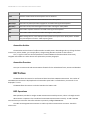
Currently there are three available access levels or "roles" for users:
●
Administrator – Has all privileges. Can manage other accounts and can reset passwords. Passwords are
immediately encrypted.
●
Operator – Has all privileges except modifying other accounts or viewing the License Manager.
●
User – Denies modifications and hides all configurations. Provides permission-based access to Reports,
Dashboards, Interfaces, IP Groups, Regions etc.
To modify an account you must double-click it or select it and then press <<Modify User>>.
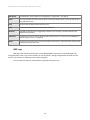
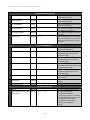
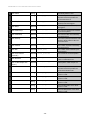
The Full Name, Company, Position, Email, Phone and Comments fields are optional.
The Landing Tab list contains the tabs that can be opened immediately after logging in. The list is dynamic
and expands as you add Interfaces, Dashboards, IP Groups etc. You should change the Landing Tab to a relevant
Dashboard or Report.
The Minimum Severity field selects the minimum severity level of the events that will be displayed in the
Console.
The Side Region Position field lets you switch the Side Region's position between East and West.
The Console Theme field lets you switch the Console theme after re-logging in. Blue and Gray are the most
popular themes.
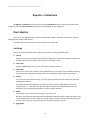
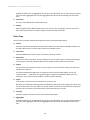
Console Users » Authentication contains LDAP and RADIUS-based authentication settings.
You can enable cookie-based authentication by clicking the Persistent Sessions checkbox.
- 57 -