1
User Reference
Menus
523
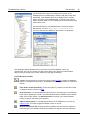
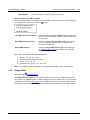
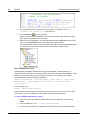
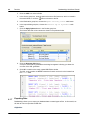
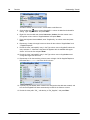
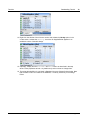
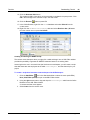
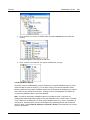
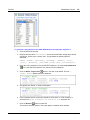
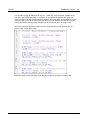
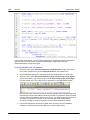
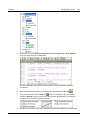
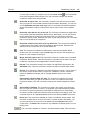
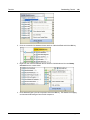
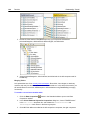
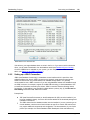
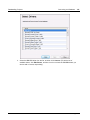
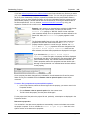
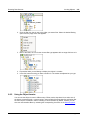
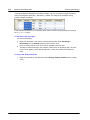
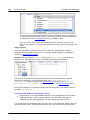
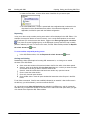
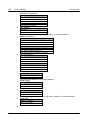
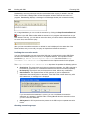
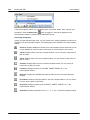
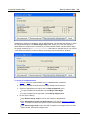
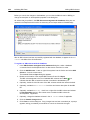
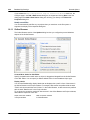
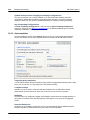
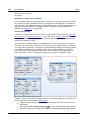
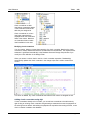
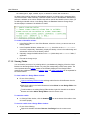
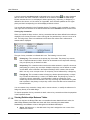
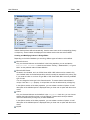
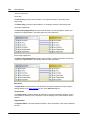
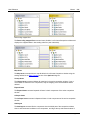
If more than one table is selected, a statement is created for each of the selected tables. Please
note that different statements are created depending on what you have selected:
If you have selected the entire table, one statement is created for all of the columns in
the table.
If you have selected a single column, the statement is created for this particular column
only.
If you have selected some but not all of the columns, one statement is created for the
selected columns.
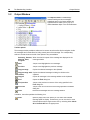
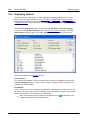
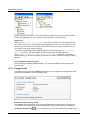
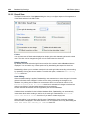
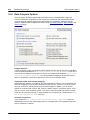
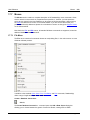
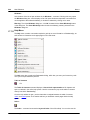
Retrieve Data
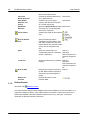
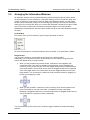
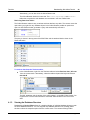
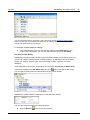
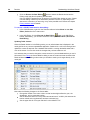
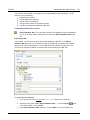
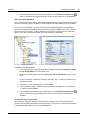
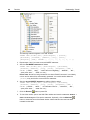
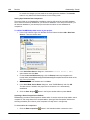
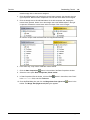
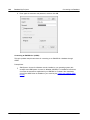
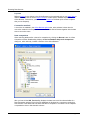
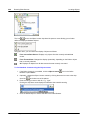
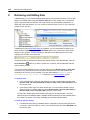
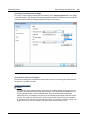
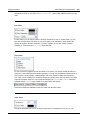
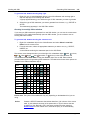
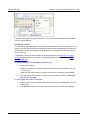
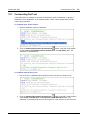
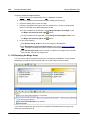
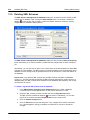
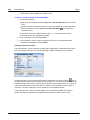
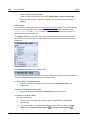
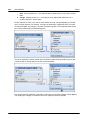
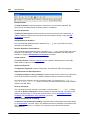
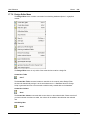
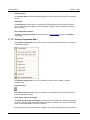
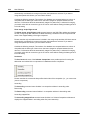
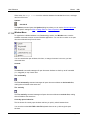
The Retrieve Data command opens a sub-menu which enables you to perform a query on the
selected table in the Design Editor.
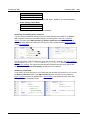
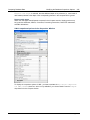
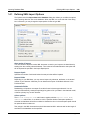
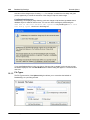
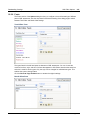
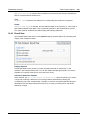
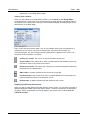
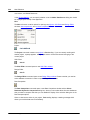
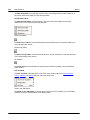
All rows
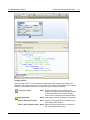
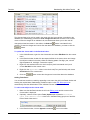
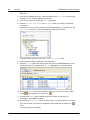
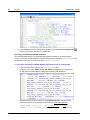
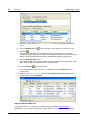
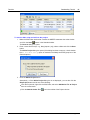
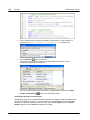
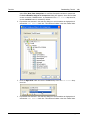
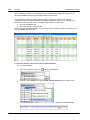
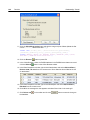
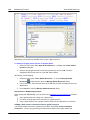
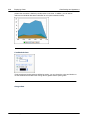
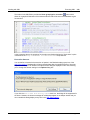
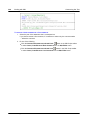
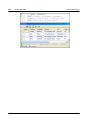
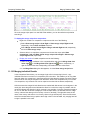
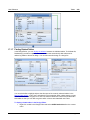
The All rows command generates a SELECT statement for all rows in a new SQL Editor window
and executes the query immediately. The result of the query is displayed in the Result tab below
the SQL Editor window.
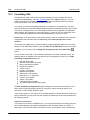
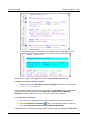
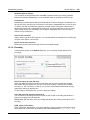
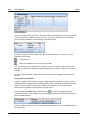
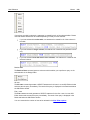
First n rows
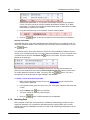
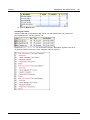
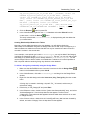
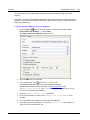
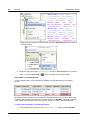
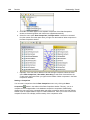
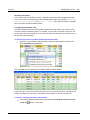
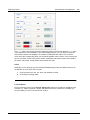
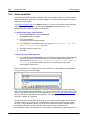
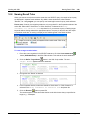
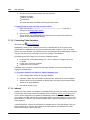
The First n rows command generates a SELECT statement for the first n rows in a new SQL
Editor window and executes the query immediately. The result of the query is displayed in the
Result tab below the SQL Editor window.
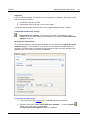
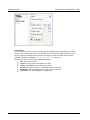
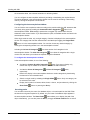
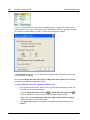
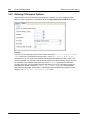
You can customize the number of rows to be retrieved in the SQL Editor options.
© 2015 Altova Gmb H
Altova DatabaseSpy 2016