1
ENGLISH
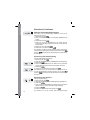
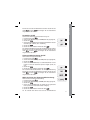
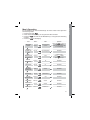
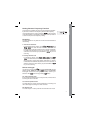
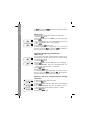
While selecting the DCS codes, if you press
select the normal (N) or inverted (I) DCS codes.
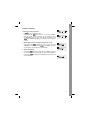
Voice function (only in English)
, you will
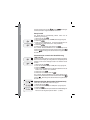
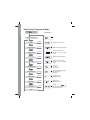
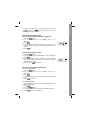
With this function, you activate a voice that informs about any
operation/selection you are doing. To activate it, follow these
steps:
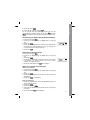
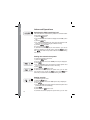
1. press the
button;
2. turn the Encoder knob until ‘VOICE’ (menu 14) is
displayed;
3. push
;
4. turn the Encoder knob and activate/deactivate the function.
(ON = enabled; OFF = disabled);
again;
5. Push
knob to exit.
6. press twice the
14